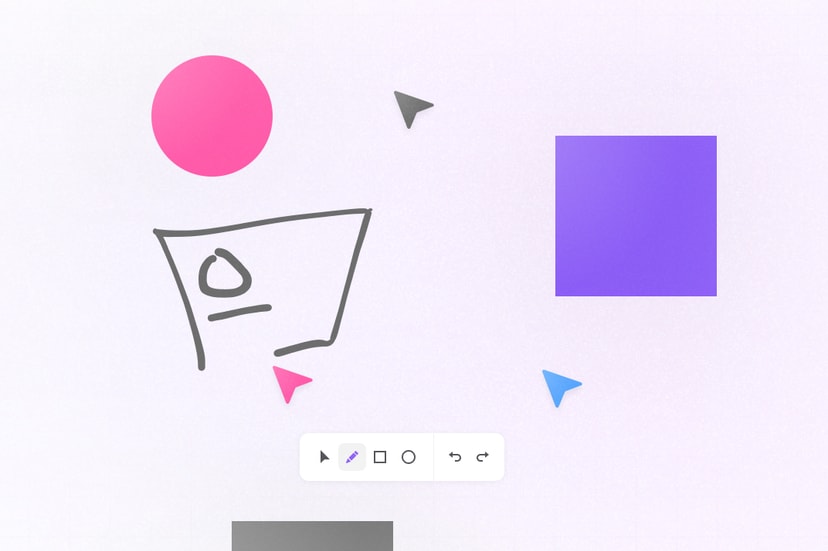
Get started with a collaborative Tldraw whiteboard using Liveblocks and Next.js
Liveblocks is a realtime collaboration infrastructure for building performant
collaborative experiences. Follow the following steps to start adding
collaboration to your Next.js and Tldraw app using hooks from
@liveblocks/react.
Quickstart
Install Liveblocks
Every package should use the same version.
TerminalInitialize the
liveblocks.config.tsfileWe can use this file later to define types for our application.
TerminalAdd Tldraw types to
liveblocks.config.tsEdit your new
liveblocks.config.tsfile to include the following types for Tldraw.liveblocks.config.tsCreate a Liveblocks room
Liveblocks uses the concept of rooms, separate virtual spaces where people collaborate, and to create a realtime experience, multiple users must be connected to the same room. When using Next.js’
/approuter, we recommend creating your room in aRoom.tsxfile in the same directory as your current route.Set up a Liveblocks client with
LiveblocksProvider, join a room withRoomProvider, and useClientSideSuspenseto add a loading spinner to your app.app/Room.tsxAdd the Liveblocks room to your page
After creating your room file, it’s time to join it. Import your room into your
page.tsxfile, and place your collaborative app components inside it.app/page.tsxAdd the Tldraw component
Now that we’re connected to a room, add the
Tldrawcomponent, importing a customuseStorageStorehook.app/TldrawApp.tsxSynchronize Tldraw with Liveblocks
Create the
useStorageStorehook to synchronize Tldraw state with Storage, and your whiteboard should be synchronized.Next: set up authentication
By default, Liveblocks is configured to work without an authentication endpoint where everyone automatically has access to rooms. This approach is great for prototyping and marketing pages where setting up your own security isn’t always required. If you want to limit access to a room for certain users, you’ll need to set up an authentication endpoint to enable permissions.
Set up authentication
What to read next
Congratulations! You now have set up the foundation to start building collaborative experiences for your React application.
- @liveblocks/react API Reference
- Next.js and React guides
- How to use Liveblocks presence with React
- How to use Storage with React