Inbox
Create an inbox with Liveblocks. Show new activity in realtime, receive comment and mention notifications automatically, trigger custom notifications from your back end, and deliver missed activity by email, Slack, Microsoft Teams, and more.
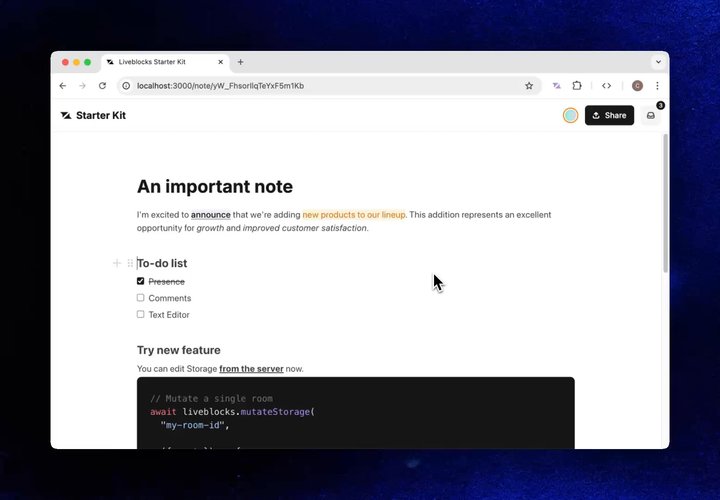
Inbox inside the Next.js Starter Kit
Features
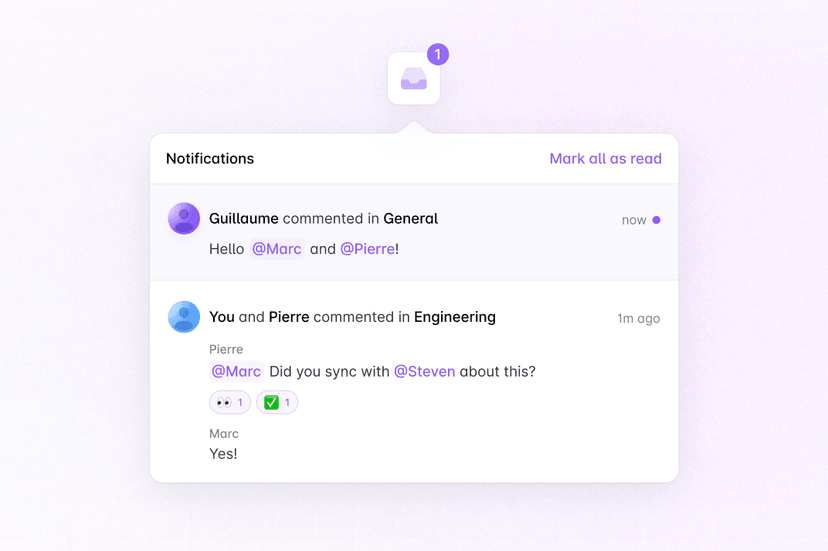
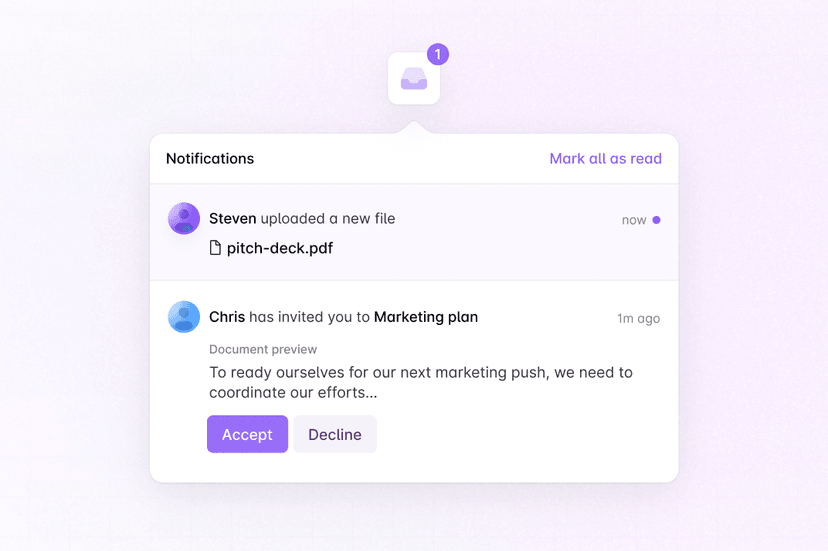
- In-app inbox: Render each user’s notifications with hooks and ready-made components.
- Unread indicators: Show unread badges and mark notifications as read.
- Collaboration notifications: Receive automatic notifications for comments and mentions.
- Custom notifications: Trigger any notification kind from your back end and render it your way.
- Notification batching: Group related activities into a single notification.
- Subscription settings: Let users mute rooms or subscribe to everything.
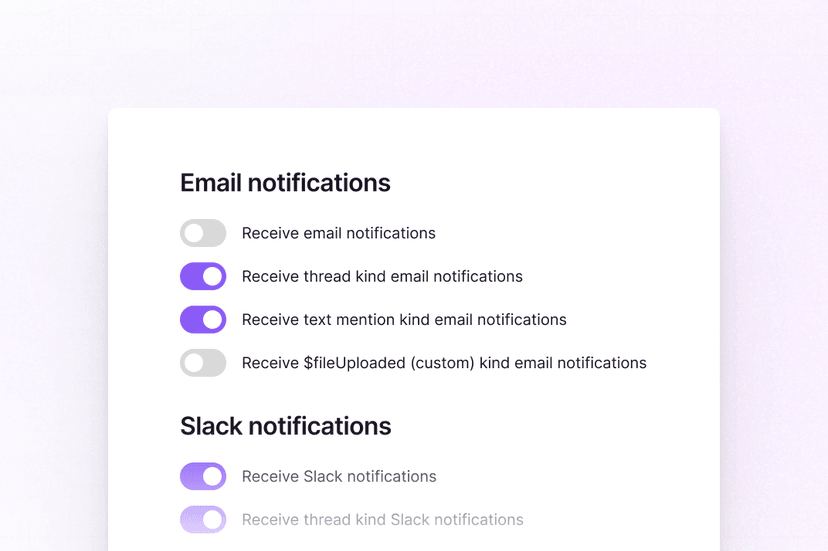
- Notification settings: Build a settings panel for each delivery channel.
- Email and other channels: Deliver missed notifications by email, Slack, Teams, or web push.
- Workspace inboxes: Give users a separate inbox in each workspace.
Get started
Choose the channels you need. Each guide uses Next.js and can be combined with the others.
Implementation
This is an overview of how each feature can be implemented. Unlike other
Liveblocks products, Notifications is
project-based rather than
room-based—a user receives notifications from every room in one inbox, and only
LiveblocksProvider
is required, not
RoomProvider. Combine it
with Comments for automatic thread notifications, and
with your back end for custom application events. In multi-tenant apps, users
can have a separate inbox per workspace.
In-app inbox
List the current user’s notifications with
useInboxNotifications
and render them with the ready-made
InboxNotification
and
InboxNotificationList
components. New notifications appear in realtime, without polling, and each
built-in kind is rendered for you.
Learn more under default components.
Unread indicators
Display an unread notifications count badge on your inbox button with
useUnreadInboxNotificationsCount,
plus add
useMarkAllInboxNotificationsAsRead
and
useDeleteAllInboxNotifications
to mark notifications as read and delete them.
Learn more under hooks.
Collaboration notifications
Comments sends thread notifications automatically
when users are mentioned or receive replies in threads they’re participating in.
Read state stays in sync both ways—viewing a thread marks its notification as
read, and the default Thread
component shows unread indicators. When rendering a thread notification, fetch
its thread data with
useInboxNotificationThread.
Learn more under notification kinds.
Custom notifications
Notify users about your own application events, such as a completed export, a
shared document, or a completed AI task, with
Liveblocks.triggerInboxNotification.
Custom kinds start with a $, and activityData holds whatever your UI needs
to render the notification.
Render each custom kind with
InboxNotification.Custom
by passing a kinds prop to the default component.
Learn more under rendering notification kinds differently.
Notification batching
You can batch groups of custom notifications into a single notification, helping
you to avoid flooding inboxes, which works similarly to how thread
notifications group new comments from the same thread. Enable batching for a
custom kind in the dashboard, then trigger notifications with the
same subjectId—each new activity updates the existing notification.
Learn more under notification batching.
Subscription settings
Each user can control which thread notifications they receive in each room:
"all" for everything, "replies_and_mentions" by default, or "none" to mute
the room. Build a mute control with
useRoomSubscriptionSettings.
Settings can also be changed server-side with
Liveblocks.updateRoomSubscriptionSettings,
for example to subscribe a document’s author to everything in their document.
Notification settings
Let users choose which notification kinds they receive on each delivery
channel—email, slack, teams, and webPush—with
useNotificationSettings.
Each kind must first be enabled on your project’s notifications dashboard page.
The notification settings guide details how to build a complete settings panel for your application.
Email and other channels
Liveblocks sends a
notification webhook event
when a user has unread notifications on an enabled channel, by default up to
every 30 minutes per user. Handle it on your server to deliver email, Slack,
Teams, or web push notifications. For comment emails,
@liveblocks/emails fetches and styles
the unread comments for you.
For custom kinds, fetch the notification with
Liveblocks.getInboxNotification
and format the message yourself. Learn more under
email notifications.
Workspace inboxes
If your app has multiple workspaces or tenants, use
organizations to give each
user a separate inbox per workspace. Notifications from rooms created with an
organizationId belong to that organization automatically, and custom
notifications can be assigned to one when triggered.
Authenticate each user with the organizationId of their current
workspace—their token only grants access to that organization, so
useInboxNotifications
and unread counts only show that workspace’s notifications.
Learn more under Organizations.
Examples
Explore complete examples that combine the features described above.