Docs
  • Documentation
  • API Reference
  • Guides
  • Tutorial
  • Examples
Sign in
  • Documentation
  • API Reference
  • Guides
  • Tutorial
  • Examples
    • Overview
    • Get started
    • Concepts
    • Sync
    • Comments
    • Notifications
    • Agentic users
    • AI activity feed
    • Canvas
    • Chat
    • Code editor
    • Comments
    • Custom app
    • Flowchart
    • Forms
    • Inbox
    • Presence
    • Share dialog
    • Slideshow
    • Spreadsheet
    • Text editor
    • Data storage
    • WebSocket infrastructure
    • Projects
    • Analytics
    • Webhooks
    • REST API
    • Management API
    • Troubleshooting
    • Account management
Sign in
    • Overview
    • Get started
    • Concepts
    • Sync
    • Comments
    • Notifications
    • Agentic users
    • AI activity feed
    • Canvas
    • Chat
    • Code editor
    • Comments
    • Custom app
    • Flowchart
    • Forms
    • Inbox
    • Presence
    • Share dialog
    • Slideshow
    • Spreadsheet
    • Text editor
    • Data storage
    • WebSocket infrastructure
    • Projects
    • Analytics
    • Webhooks
    • REST API
    • Management API
    • Troubleshooting
    • Account management
  1. Documentation
  2. Platform
  3. Analytics

Analytics

With analytics, you’re able to gather insights into collaborative experiences for a given project with metrics such as daily active users, monthly active users, connections, active rooms, and more.
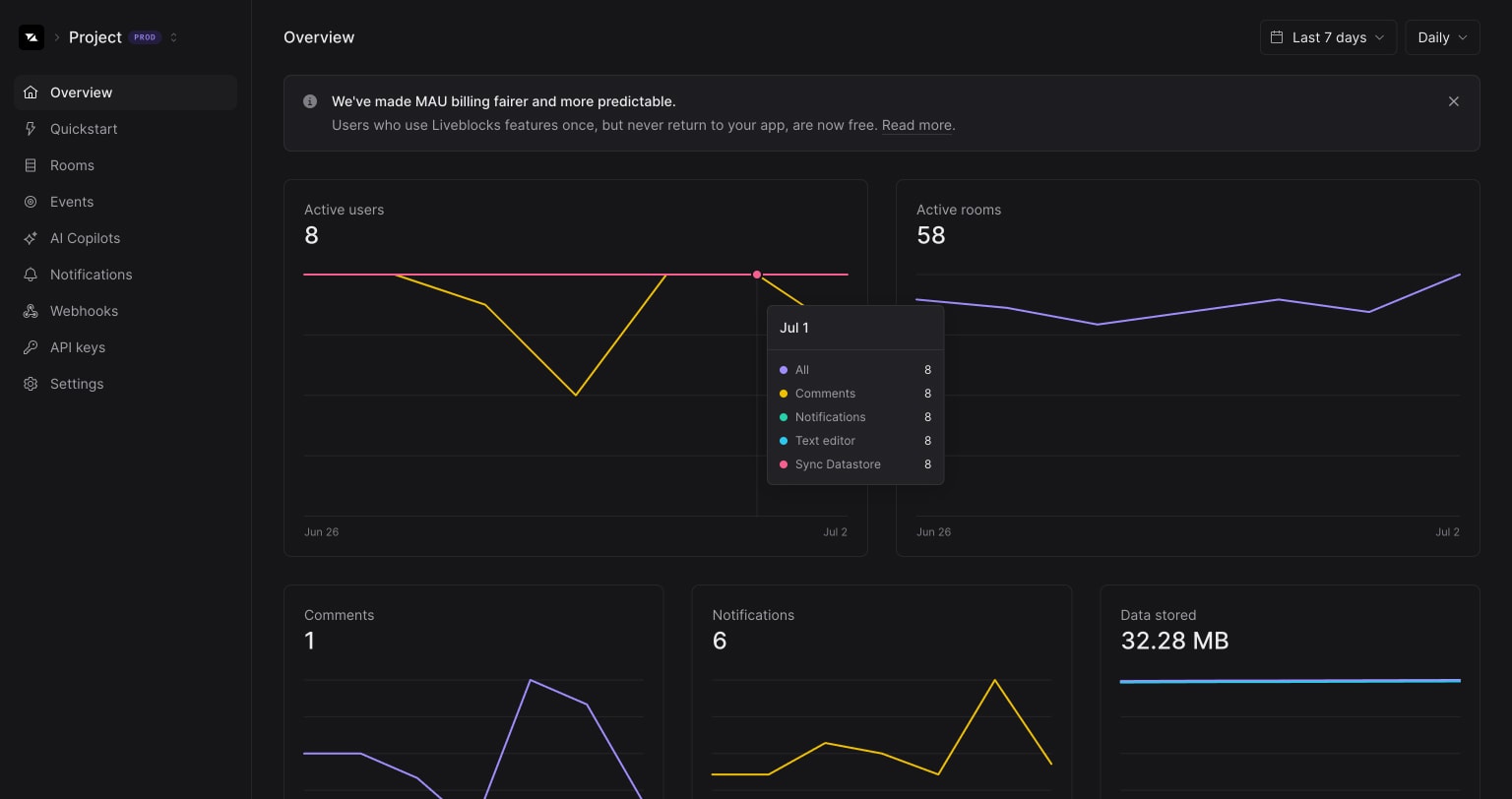
Liveblocks analytics

You can adjust the period through the timeframe selector by picking between 1 hour, 1 day, 1 week, and 1 month.
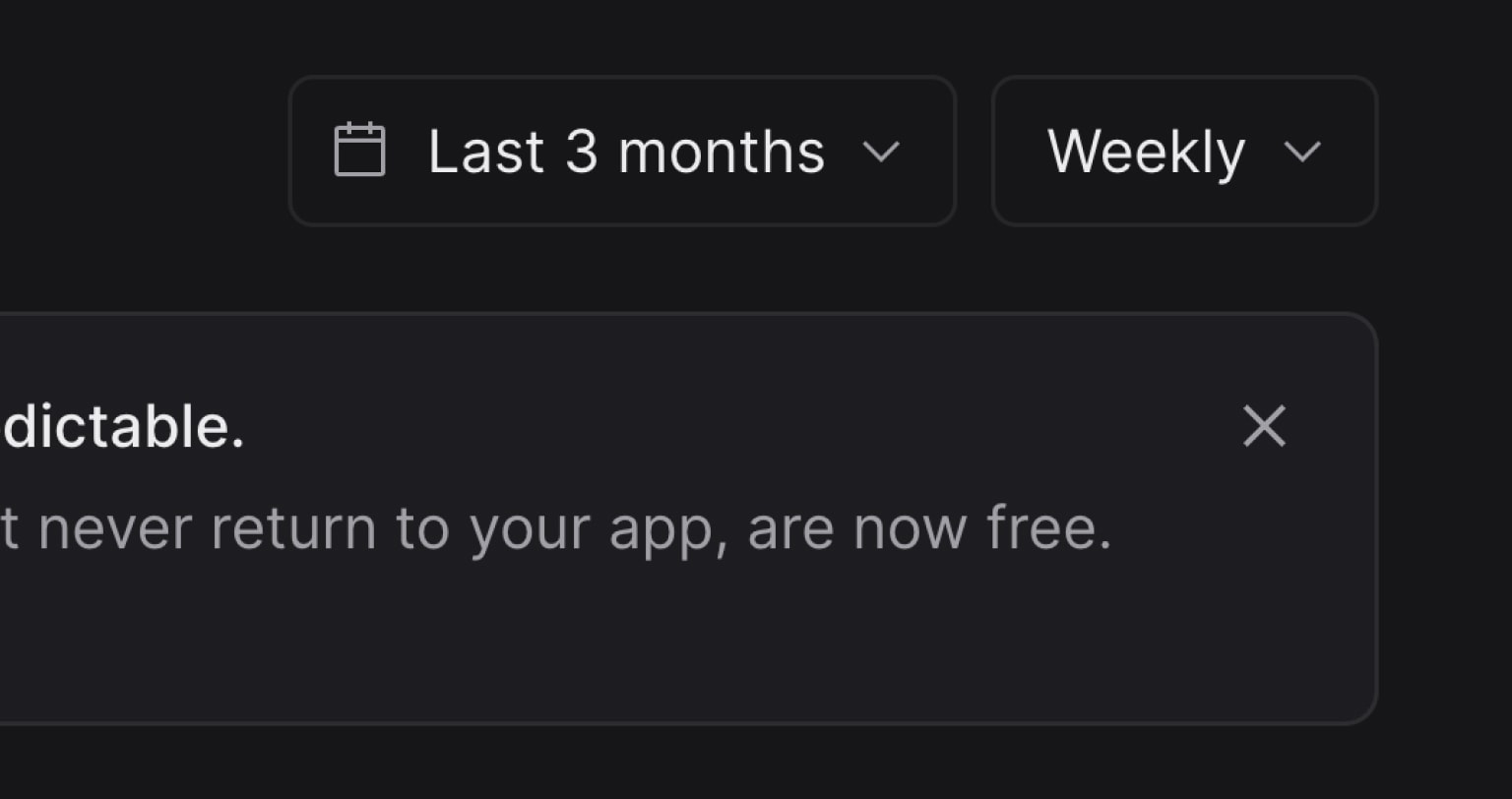
Liveblocks analytics timeframe selector
Was this page helpful?Helpful?
Edit this page
  • Blog
  • Contact us
  • Changelog
System status
© 2026 Liveblocks Inc.
  • GitHub
  • Discord
  • X
  • LinkedIn
  • YouTube