Docs
  • Documentation
  • API Reference
  • Guides
  • Tutorial
  • Examples
Sign in
  • Documentation
  • API Reference
  • Guides
  • Tutorial
  • Examples
    • Overview
    • Get started
    • Concepts
    • Sync
    • Comments
      • Overview
      • Concepts
      • Users and mentions
      • Default components
      • Hooks
      • Metadata
      • Primitives
      • Styling and customization
      • Email notifications
    • Notifications
    • Agentic users
    • AI activity feed
    • Canvas
    • Chat
    • Code editor
    • Comments
    • Custom app
    • Flowchart
    • Forms
    • Inbox
    • Presence
    • Share dialog
    • Slideshow
    • Spreadsheet
    • Text editor
Sign in
    • Overview
    • Get started
    • Concepts
    • Sync
    • Comments
      • Overview
      • Concepts
      • Users and mentions
      • Default components
      • Hooks
      • Metadata
      • Primitives
      • Styling and customization
      • Email notifications
    • Notifications
    • Agentic users
    • AI activity feed
    • Canvas
    • Chat
    • Code editor
    • Comments
    • Custom app
    • Flowchart
    • Forms
    • Inbox
    • Presence
    • Share dialog
    • Slideshow
    • Spreadsheet
    • Text editor
  1. Documentation
  2. Products
  3. Comments

Comments

Embed a customizable commenting experience into your product, enabling collaboration between your users. Liveblocks Comments is fully customizable, allowing you to create a range of commenting experiences that look and feel like your product. It enables you to build mentions, thread resolution, text annotations, video annotations, and more.
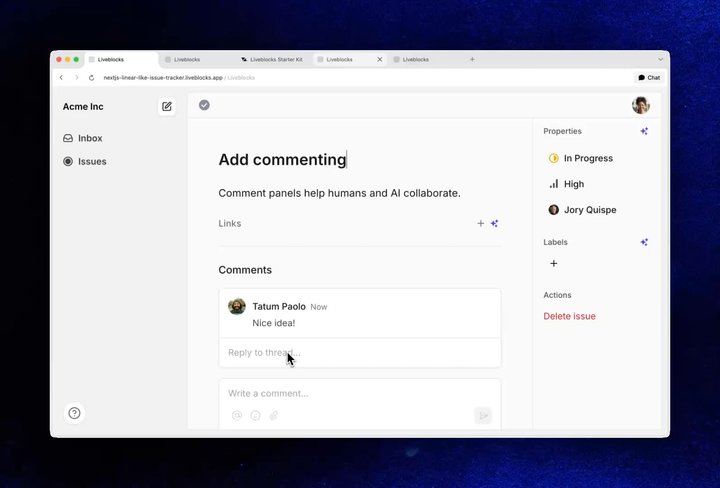
Your browser does not support the video tag.Comments demo blog

Overview

  • Concepts

    Learn about threads and comments

  • Users and mentions

    Add users to comments and mentions

  • Default components

    Ready-to-use customizable components

  • Hooks

    Get users, threads, & modify comments

  • Metadata

    Add custom metadata to threads

  • Primitives

    Construct fully custom components

  • Styling and customization

    CSS variables, dark mode, localization

  • Email notifications

    Send notifications with webhooks
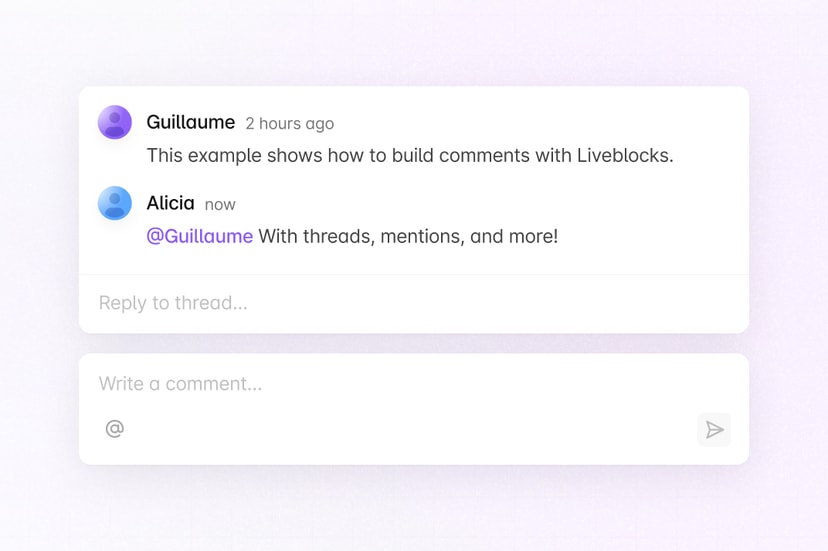
Comments guides

  • Comments guides

    All how-to guides for Comments

  • Add private commenting

    Internal notes and team-only threads

  • Filter threads

    Query threads with metadata

  • Migrate to Comments

    Move from another system

Comments API Reference

  • React

    @liveblocks/react

  • React UI

    @liveblocks/react-ui

  • JavaScript

    @liveblocks/client

  • Node.js

    @liveblocks/node

  • REST API

    HTTP endpoints

Examples using Comments

  • Image of Comments

    Comments

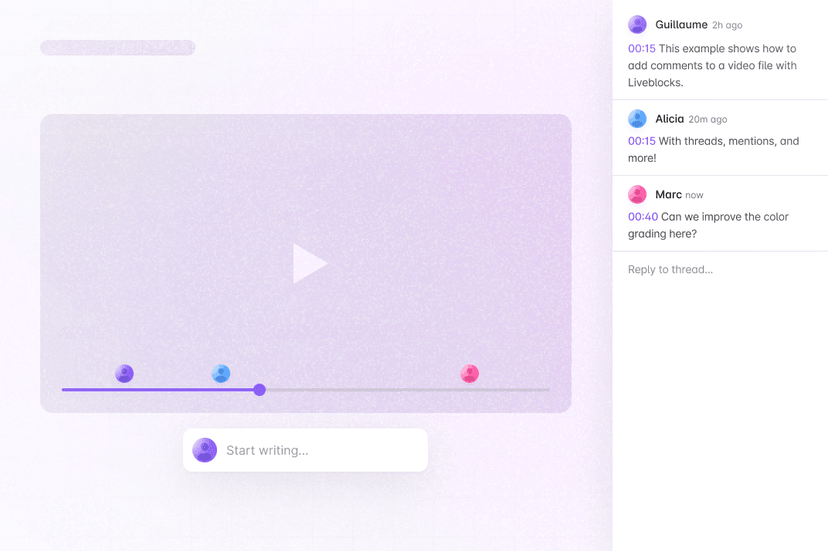
  • Image of Video Comments

    Video Comments

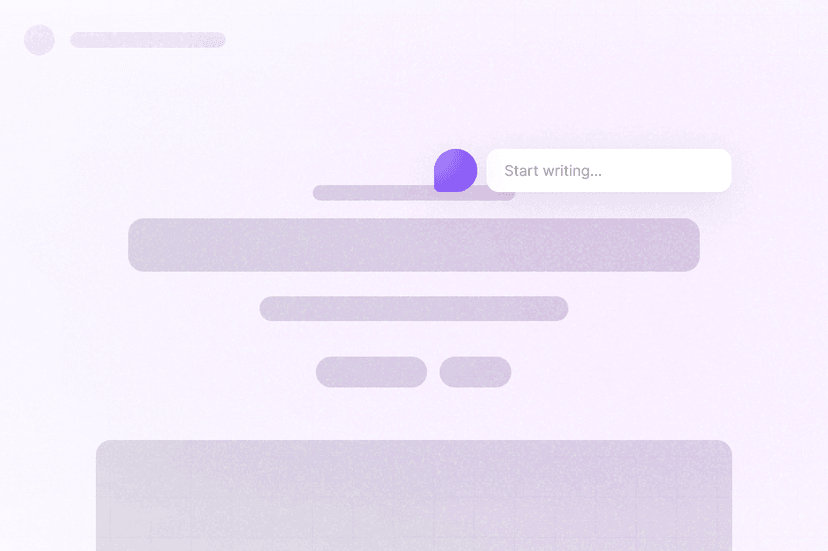
  • Image of Overlay Comments

    Overlay Comments

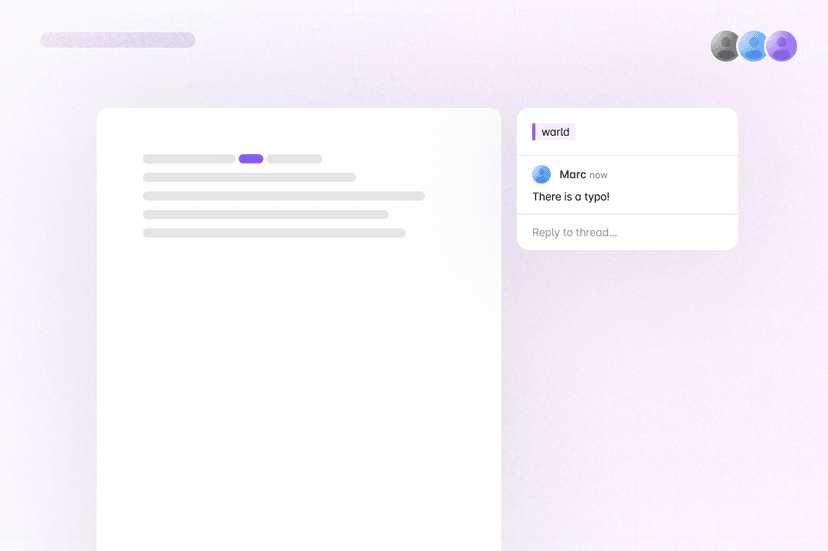
  • Image of Text Editor Comments

    Text Editor Comments

Was this page helpful?Helpful?
Edit this page
  • Blog
  • Contact us
  • Changelog
System status
© 2026 Liveblocks Inc.
  • GitHub
  • Discord
  • X
  • LinkedIn
  • YouTube
  • Overview
  • Comments guides
  • Comments API Reference
  • Examples using Comments