Error - In order to use this channel, please set up your project first
Why this error occurred
You tried to access a notification channel, such as settings.email, but it’s
disabled in your Liveblocks dashboard.
How to fix it
You first need to navigate to your project in the dashboard.
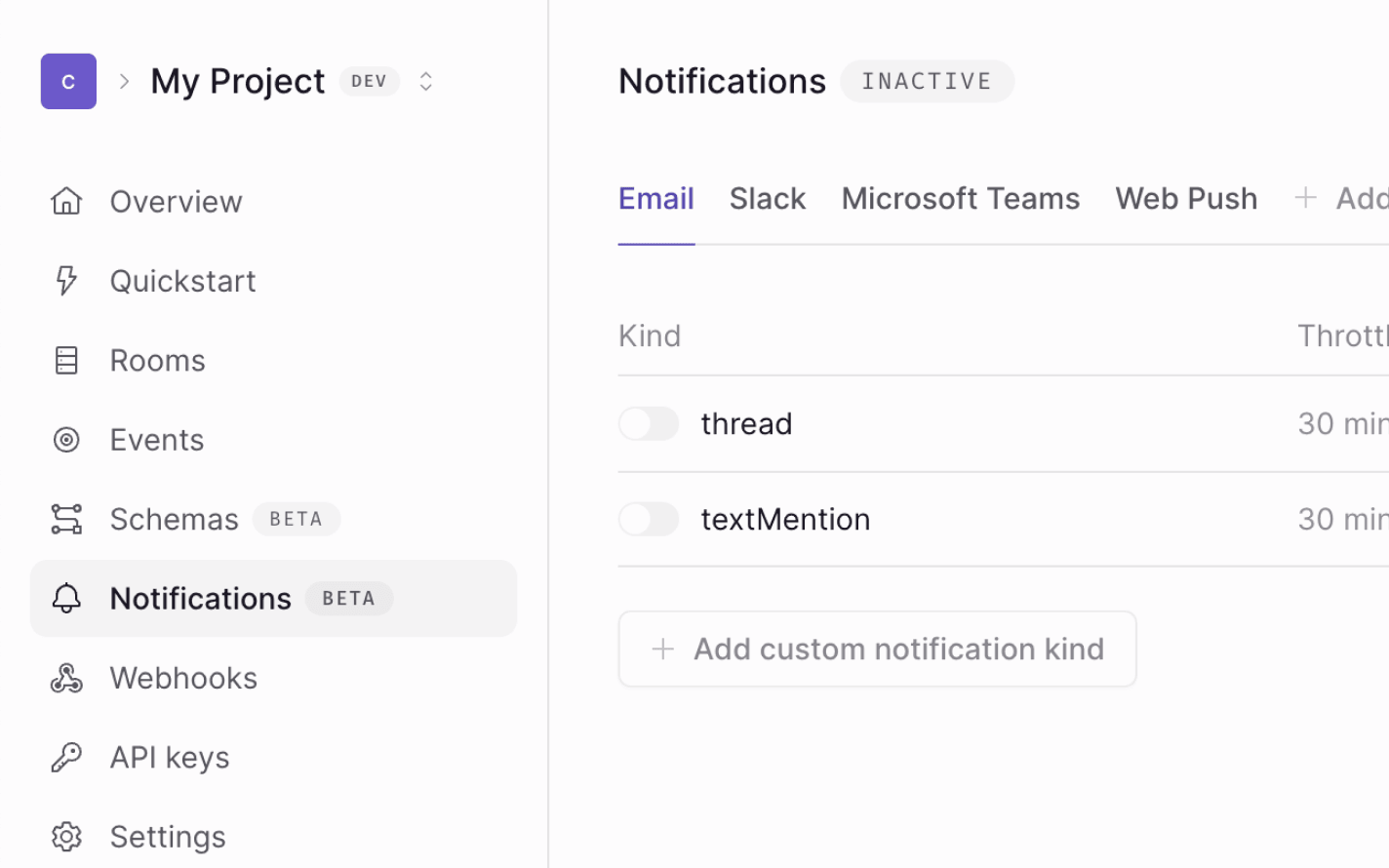
Then, enable a notification kind on the channel you’re trying to access. For
example, if you’re trying to access settings.email, navigate to the Email
tab and enable a notification kind.
If you’re working with a production app, make sure you read our guide on enabling notification kinds before publishing your changes, as your app may be affected.
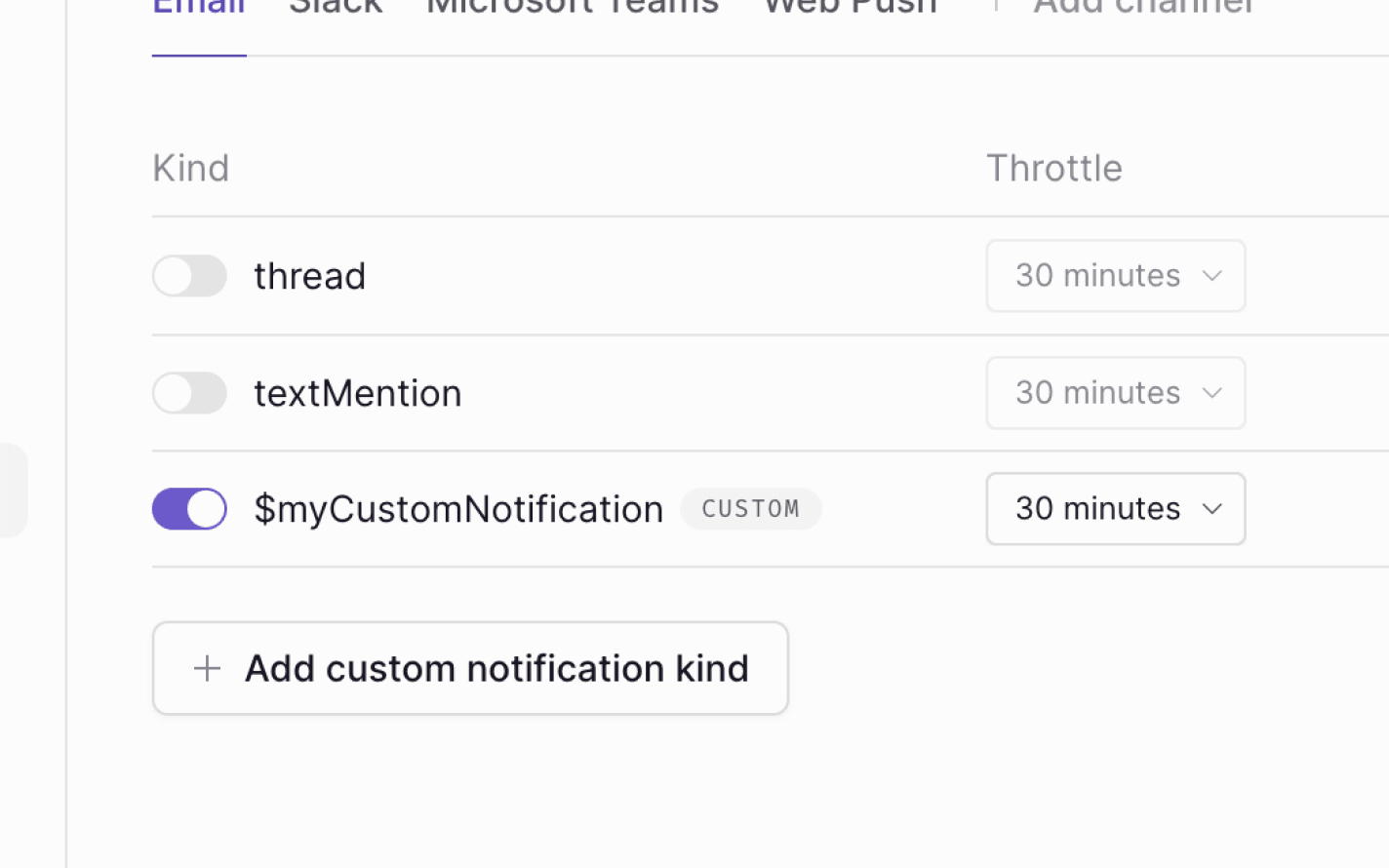
Once a notification kind is enabled on the channel you’re accessing, the error will disappear.
Learn more
Learn more in our documentation.