We've made a number of changes to our website, providing you with insight into our updates, your users, and your usage. We've also improved our onboarding and documentation.
Events are now visible in the dashboard, giving you detailed information on your
users, for example when they connect, and where they are. A number of filters
are available, such as date range, event type, user ID, and more.
A demo of the new Events page.
To find your events, open the dashboard, select a project, and
click “Events” in the navigation menu.
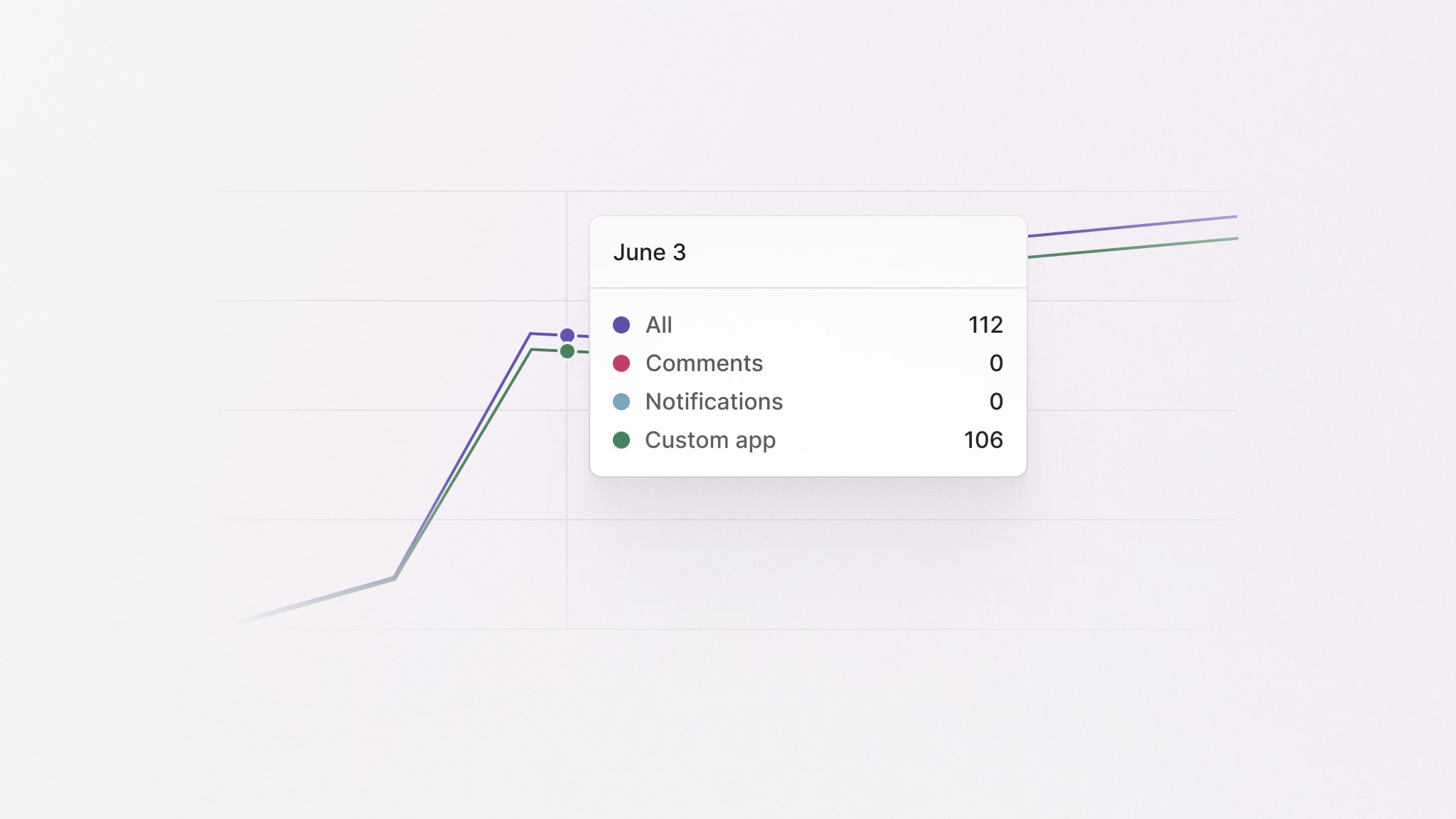
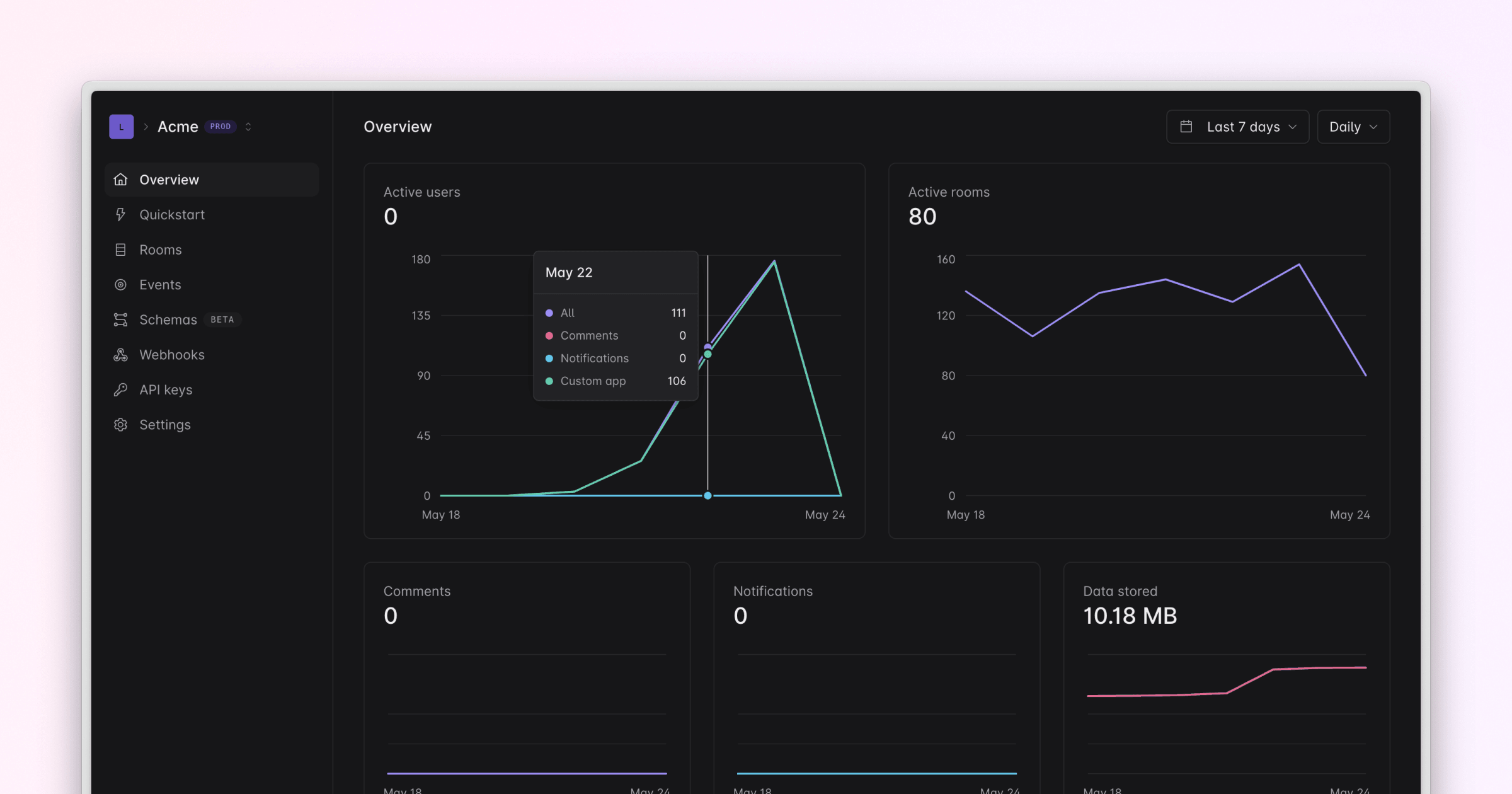
We’ve added new analytics to the project overview page, giving better insights
into active users and rooms, along with information on your product usage.
To the find the new analytics, open the dashboard and select a
project.
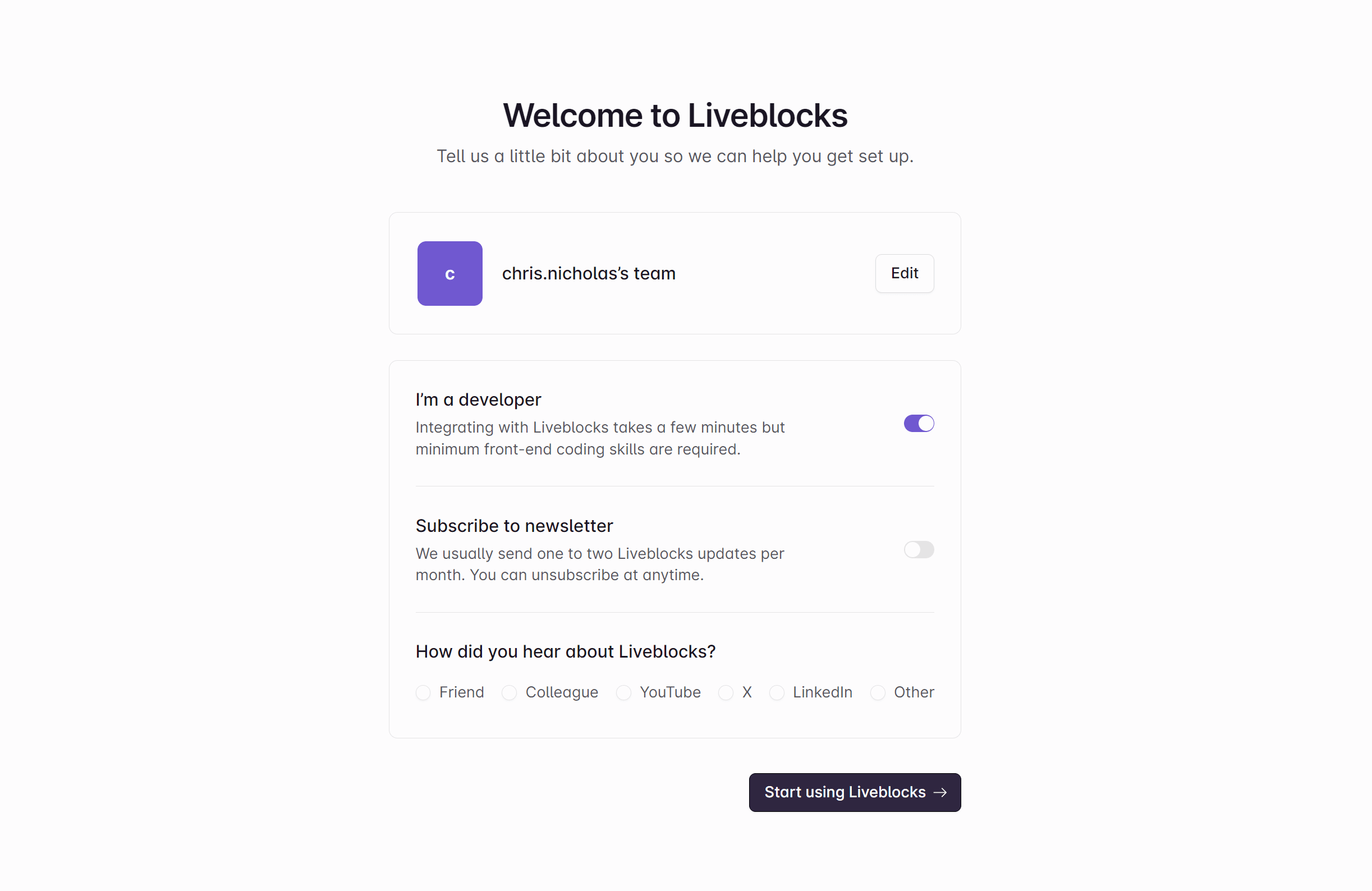
We’ve created a new onboarding flow for new users, to help get everyone started
more quickly.
As part of this improvement, we’ve also incorporated our quickstart section into
the dashboard, meaning you can get started without leaving your project.
Quickstart section in the dashboard.
See confetti as soon as the project detects an initial WebSocket connection!
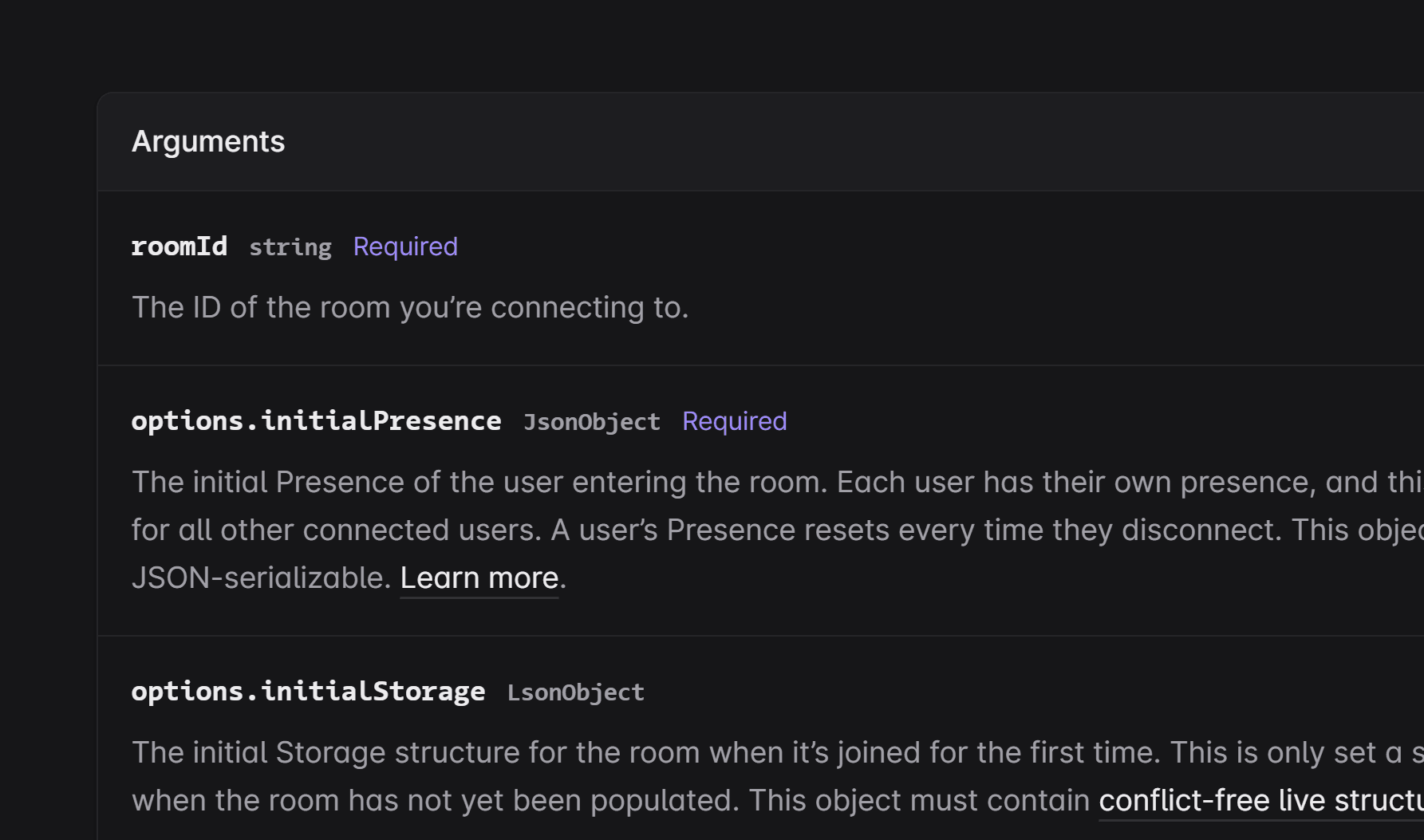
We’ve completely rewritten the
@liveblocks/client API reference
page, filling it with a wealth of knowledge. We’ve also created new components
for detailing arguments, and more, adding lots more information.