Get started with an AI chat using Liveblocks and Next.js
Liveblocks is a realtime collaboration infrastructure for building performant
collaborative experiences. Follow the following steps to start adding an
advanced AI chat to your Next.js /app directory application using the hooks
from @liveblocks/react and the
components from
@liveblocks/react-ui.
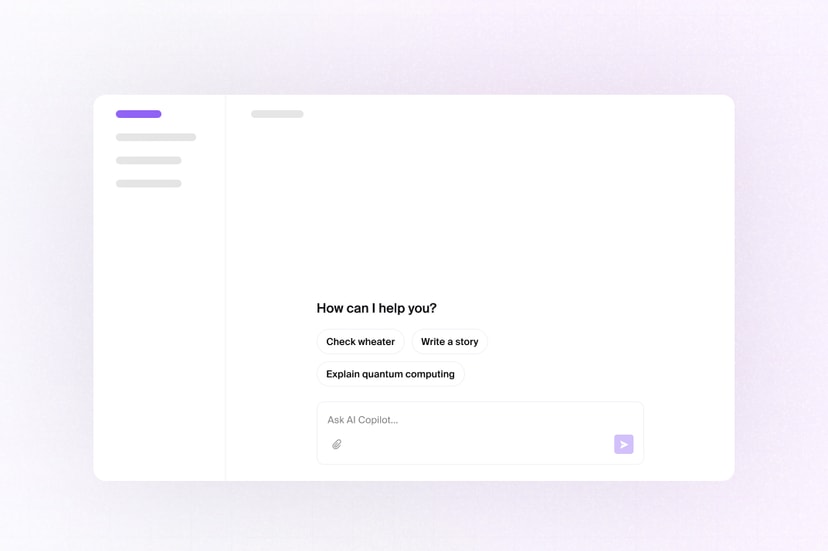
See the finished result in the AI Chats example.
Quickstart
Install Liveblocks
Every package should use the same version.
TerminalAdd your project’s secret key
Create a new
.env.localfile and add your Liveblocks secret key from the dashboard..env.localSet up authentication
Create an authentication API route with
prepareSession, passing a unique user ID. Each user has their own set of private chats, and this allows Liveblocks to identify who is connecting.app/api/liveblocks-auth/route.tsAdd your secret key
Create a project in the dashboard and add your secret key to
.env.local:.env.localCreate a Liveblocks provider
To connect the user to their chats, you must add
LiveblocksProviderto a client component in your app.app/Providers.tsxAdd the provider to your layout
After creating your provider file, it’s time to use it. Import your room into your
layout.tsxfile.app/layout.tsxAdd the AI chat component
Import default styles
The default components come with default styles, you can import them into the root layout of your app or directly into a CSS file with
@import.app/layout.tsxNext: create a copilot
AI Copilots is set up and working, but it’s using our default AI model and prompt—the next step is to create a custom copilot using your preferred AI provider and configuration.
Create a copilot
What to read next
Congratulations! You’ve set up the foundation to start building an AI copilot experience for your Next.js application.
- Overview of all features and where to start
- @liveblocks/react API reference
- @liveblocks/react-ui API reference
- How to use a fallback AI model