Get started with sending custom notifications with Web Push using Liveblocks and Next.js
Liveblocks is a realtime collaboration infrastructure for building performant
collaborative experiences. Follow this guide to send
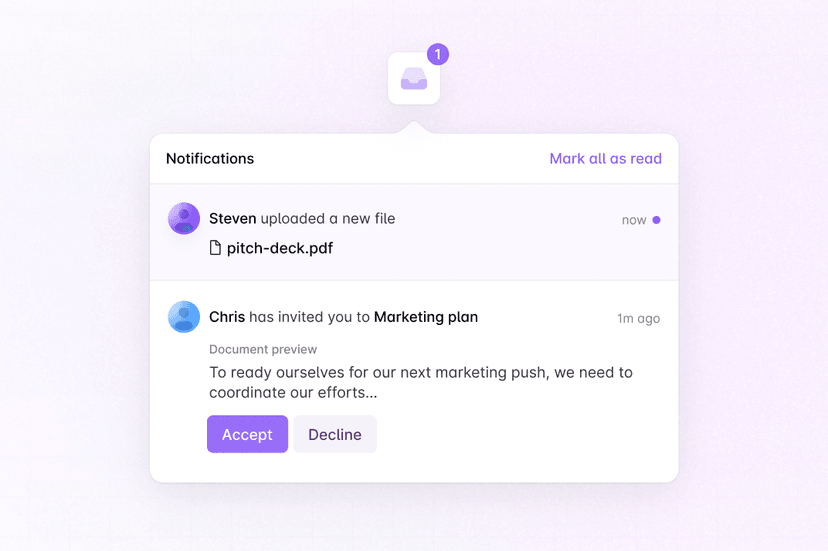
custom notifications
with Web Push using methods from
@liveblocks/node.
Quickstart
Install Liveblocks Node
Every Liveblocks package should use the same version.
TerminalTrigger a custom notification
Trigger a custom notification using
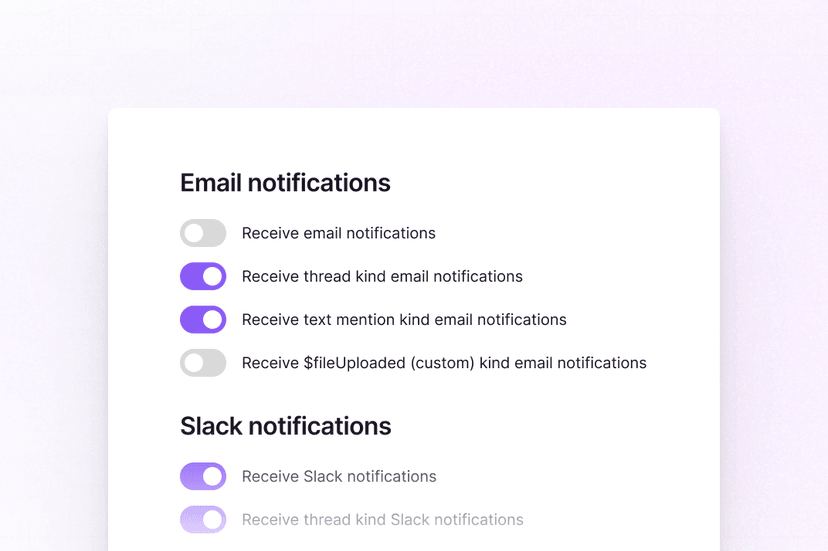
triggerInboxNotificationfrom a server action or route handler. In this example, a custom$fileUploadednotification is sent.Follow our guide
Follow our step-by-step guide to learn set up Web Push notifications.
How to notify users with Web Push
What to read next
Congratulations! You've set up Web Push notifications in your Next.js application.