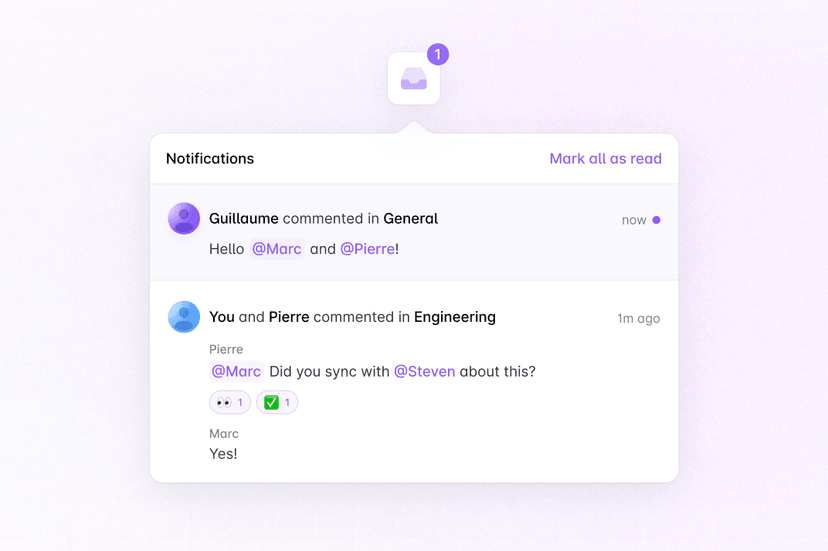
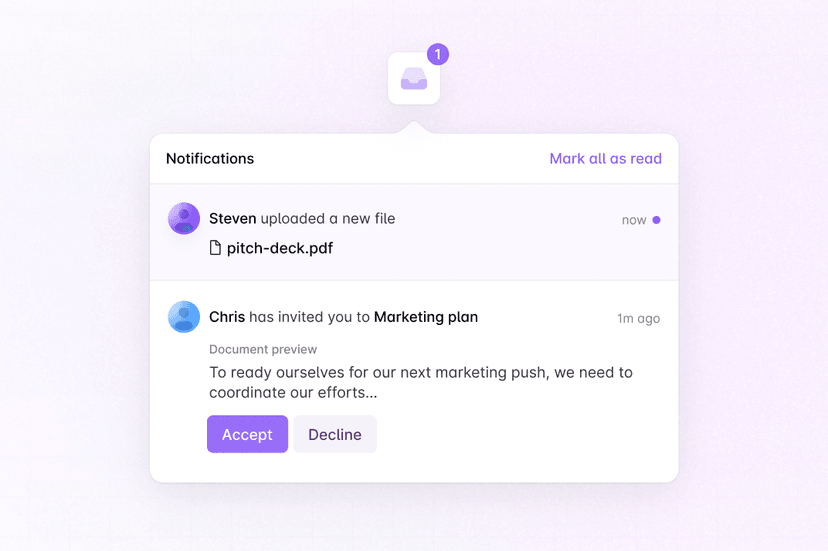
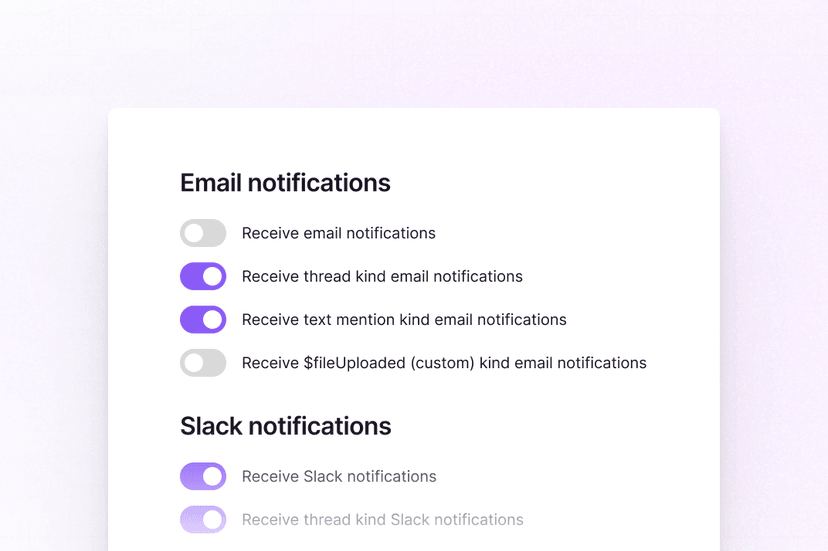
Get started with sending collaborative notifications to Slack using Liveblocks and Next.js
Liveblocks is a realtime collaboration infrastructure for building performant
collaborative experiences. Follow this guide to send
collaboration notifications
to Slack using methods from
@liveblocks/node.
Quickstart
Have your Liveblocks app ready
To receive collaboration webhook events, they need to be triggered from your front-end application, for example when a new comment is added to a thread in your Liveblocks app. If you haven't set up an app yet, get started with Comments before continuing.
Install Liveblocks Node
Every Liveblocks package should use the same version.
TerminalFollow our guide
Follow our step-by-step guide to learn set up Slack notifications.
How to notify users with Slack
What to read next
Congratulations! You've set up Slack notifications in your Next.js application.