Today, we’re releasing a new adapter for Chat SDK that lets you build
cross-platform bots that can respond in Liveblocks comment threads.
With a single codebase, you can power bots across 10+ platforms, including
Slack, Microsoft Teams, Discord—and now Liveblocks.
One common use case for Chat SDK is triggering AI
workflows from external apps like Slack. Picture this: you’ve built a realtime
app with Liveblocks that lets users create table-based documents. From Slack,
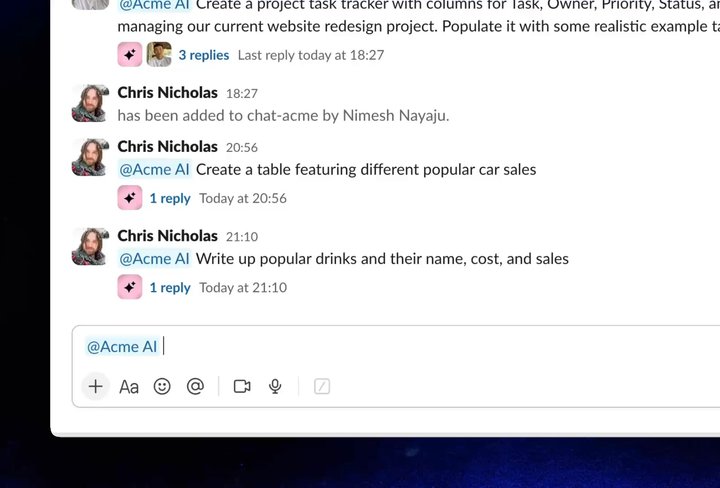
you can @mention your bot, and ask it to create a new document.
Triggering the bot’s “Create document” tool from Slack
With the addition of the Liveblocks adapter for Chat SDK, you can now @mention
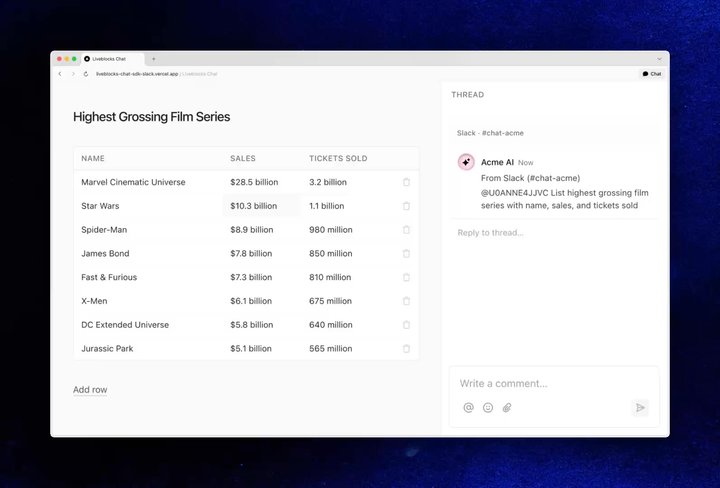
the same bot inside Liveblocks comment threads, and it behaves identically to
Slack—all powered by a single codebase.
Triggering the bot’s “Edit document” tool from Liveblocks
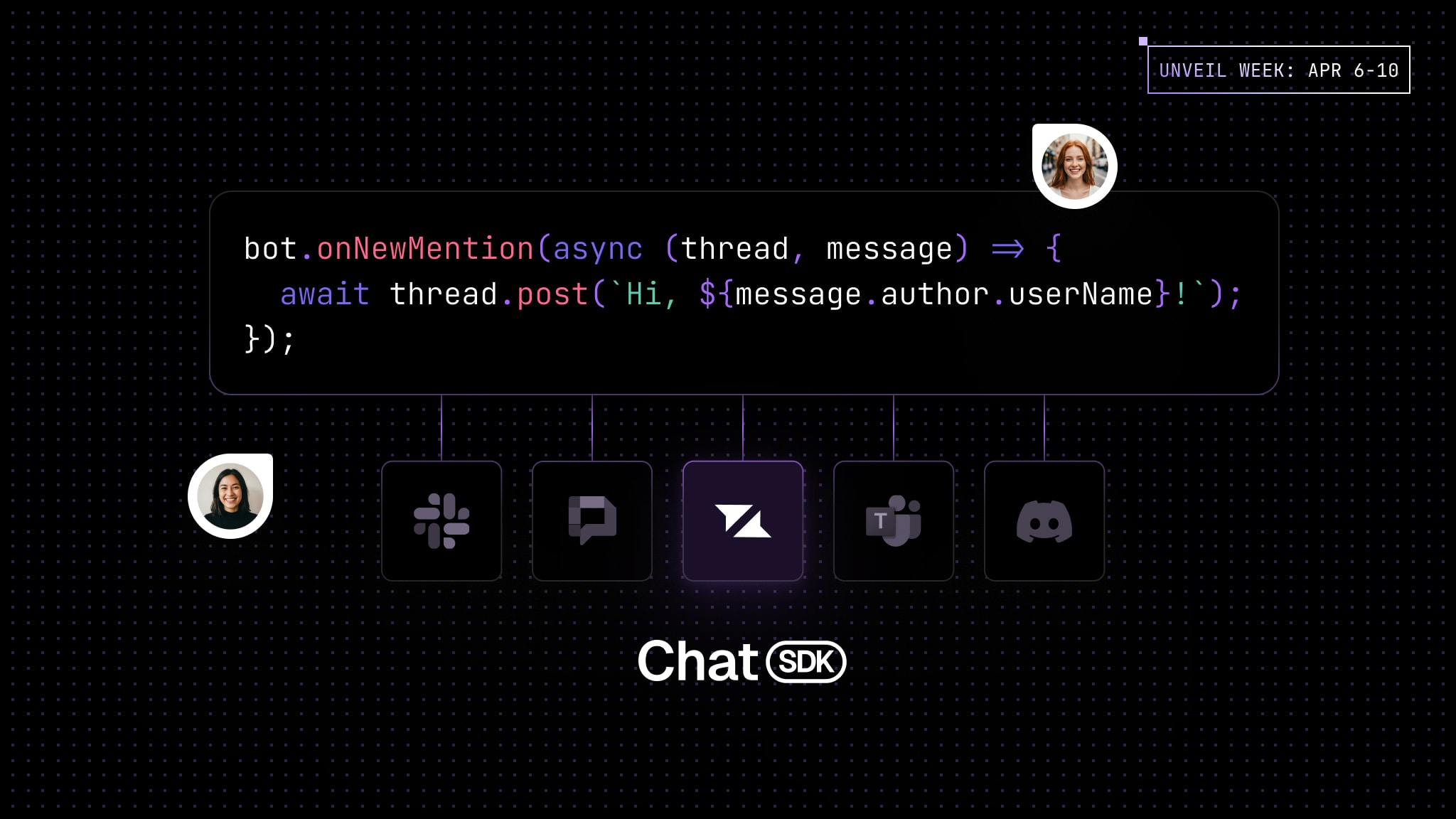
Chat SDK exposes simple TypeScript events and methods, which you can wire into
your adapters. For example, here’s how to create a bot that automatically
replies when it’s mentioned.
bot.onNewMention(async(thread, message)=>{await thread.adapter.addReaction(thread.id, message.id,"👀");await thread.post(`Hello, ${message.author.userName}! Our support t…`);});
Each adapter translates these events into platform-specific actions, so your bot
logic stays platform-agnostic. With the Liveblocks adapter configured, this code
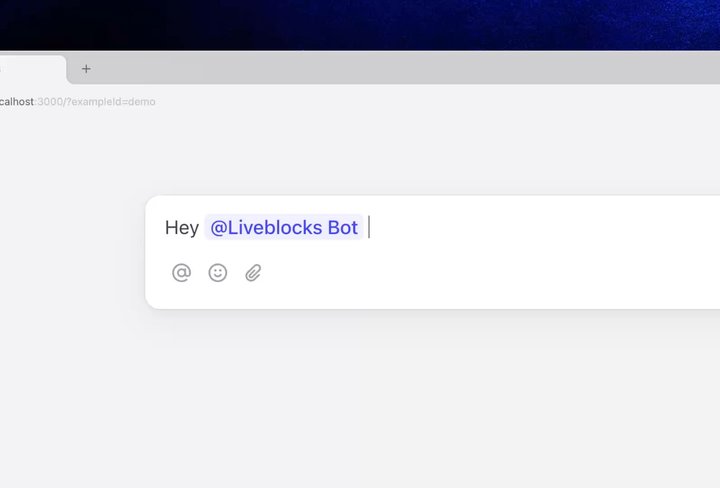
produces an automated reply inside a comment thread.
You can register multiple adapters simultaneously, allowing a single bot to
operate across platforms.
To get started, create an instance of the Liveblocks adapter with
createLiveblocksAdapter and
pass it into new Chat. You’ll need Liveblocks secret keys and a webhook
configured in your dashboard.
You can add AI to your bot in different ways. One approach is to wait until the
bot is mentioned, and then subscribe to the thread and automatically reply to
all subsequent messages.
To set up a bot that replies to all comments after its first mention in a
thread, use thread.subscribe and bot.onSubscribedMessage.
// First mention in the thread, subscribe to thread and replybot.onNewMention(async(thread, message)=>{await thread.subscribe();const response =await__generateAIResponse__(message.text);await thread.post(response);}); // On receiving later thread messages, replybot.onSubscribedMessage(async(thread, message)=>{const response =await__generateAIResponse__(message.text);await thread.post(response);});
Our Chat SDK AI bot example
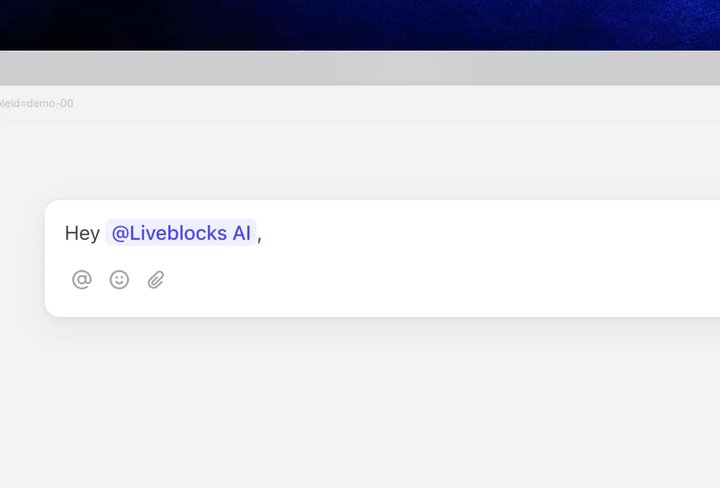
shows how to set up a bot that replies when mentioned, and describes how to set
up a subscription inside bot.ts.