• DocsDocs
  • PricingPricing
Sign in
Get started
Sign in
Get started
    • Realtime Infrastructure
      • Presence
        Presence

        Online users, cursors, selections

      • Broadcast
        Broadcast

        Temporary event signals

      • Storage
        Storage

        Synced conflict-free data

      • Feeds
        FeedsBeta

        Messages and activity logs

      • Threads
        Threads

        Contextual conversations

    • Collaboration features
      • Multiplayer
        Multiplayer

        Realtime collaboration

      • Comments
        Comments

        Contextual commenting

      • Notifications
        Notifications

        Smart alerts for your app

      • AI Copilots
        AI Copilots

        Individual AI assistants

    • Tools
      • Examples

        Gallery of open source examples

      • Showcase

        Gallery of collaborative experiences

      • Next.js Starter Kit

        Kickstart your Next.js collaborative app

      • DevTools

        Browser extension

      • Tutorial

        Step-by-step interactive tutorial

      • Guides

        How-to guides and tutorial

      • Figma UI Kit

        Liveblocks Collaboration Kit

    • Company
      • Blog

        The latest from Liveblocks

      • Customers

        The teams Liveblocks empowers

      • Changelog

        Weekly product updates

      • Security

        Our approach to security

      • About

        The story and team behind Liveblocks

  • Docs
  • Pricing
  • Realtime Infrastructure
    • Presence
    • Broadcast
    • Storage
    • FeedsBeta
    • Threads
    Collaborative features
    • Multiplayer
    • Comments
    • Notifications
    • AI Copilots
    Solutions
    • People platforms
    • Sales tools
    • Startups
    Use cases
    • Multiplayer forms
    • Multiplayer text editor
    • Multiplayer creative tools
    • Multiplayer whiteboard
    • Comments
    • Sharing and permissions
    • Document browsing
  • Resources
    • Documentation
    • Examples
    • Showcase
    • DevTools
    • React components
    • Next.js Starter Kit
    • Tutorial
    • Guides
    • Release notes
    Technologies
    • Next.js
    • React
    • JavaScript
    • Redux
    • Zustand
    • Yjs
    • Tiptap
    • BlockNote
    • Slate
    • Lexical
    • Quill
    • Monaco
    • CodeMirror
  • Company
    • Pricing
    • Blog
    • Customers
    • Changelog
    • About
    • Contact us
    • Careers
    • Terms of service
    • Privacy policy
    • DPA
    • Security
    • Trust center
    • Subprocessors
  • HomepageSystem status
    • Github
    • Discord
    • X
    • LinkedIn
    • YouTube
    © 2026 Liveblocks Inc.
Blog/Updates

Introducing Feeds and APIs for Agent Workflows

We’re introducing new APIs for connecting agents to realtime rooms and a new Feeds primitive. This unlocks new workflows where agents can act as native users of software.

on April 6th
Introducing Feeds and APIs for Agent Workflows
April 6th·5 min read
Share article
Product updatesAIUnveil Week

Ready to get started?

Join thousands of companies using Liveblocks to build multiplayer experiences for people and agents.

Get started for free

Related blog posts

  • AI agents are becoming native users of software

    AI agents are becoming native users of software

    Picture of Steven Fabre
    April 6th
    Updates
  • What's new in Liveblocks: February 2026

    What's new in Liveblocks: February 2026

    Picture of Chris Nicholas
    March 16th
    Updates
  • New React components for adding realtime presence and contextual commenting to your app

    New React components for adding realtime presence and contextual commenting to your app

    Picture of Marc Bouchenoire
    Picture of Chris Nicholas
    March 10th
    Updates

AI agents are becoming native users of software, and today’s launch is about making that shift easier to build for. We’re introducing new building blocks for collaborative AI workflows: new APIs for connecting agents to realtime rooms and a new Feeds primitive. This unlocks new workflows where agents can act as native users of software.

New APIs for connecting agents to realtime rooms

Rooms are the core collaborative space in Liveblocks. They’re where people already work together in realtime, and starting today, agents and back end systems can participate more naturally too. We’re shipping new APIs that make agents feel like first-class collaborators inside a room, rather than something bolted on from the outside.

Ephemeral presence

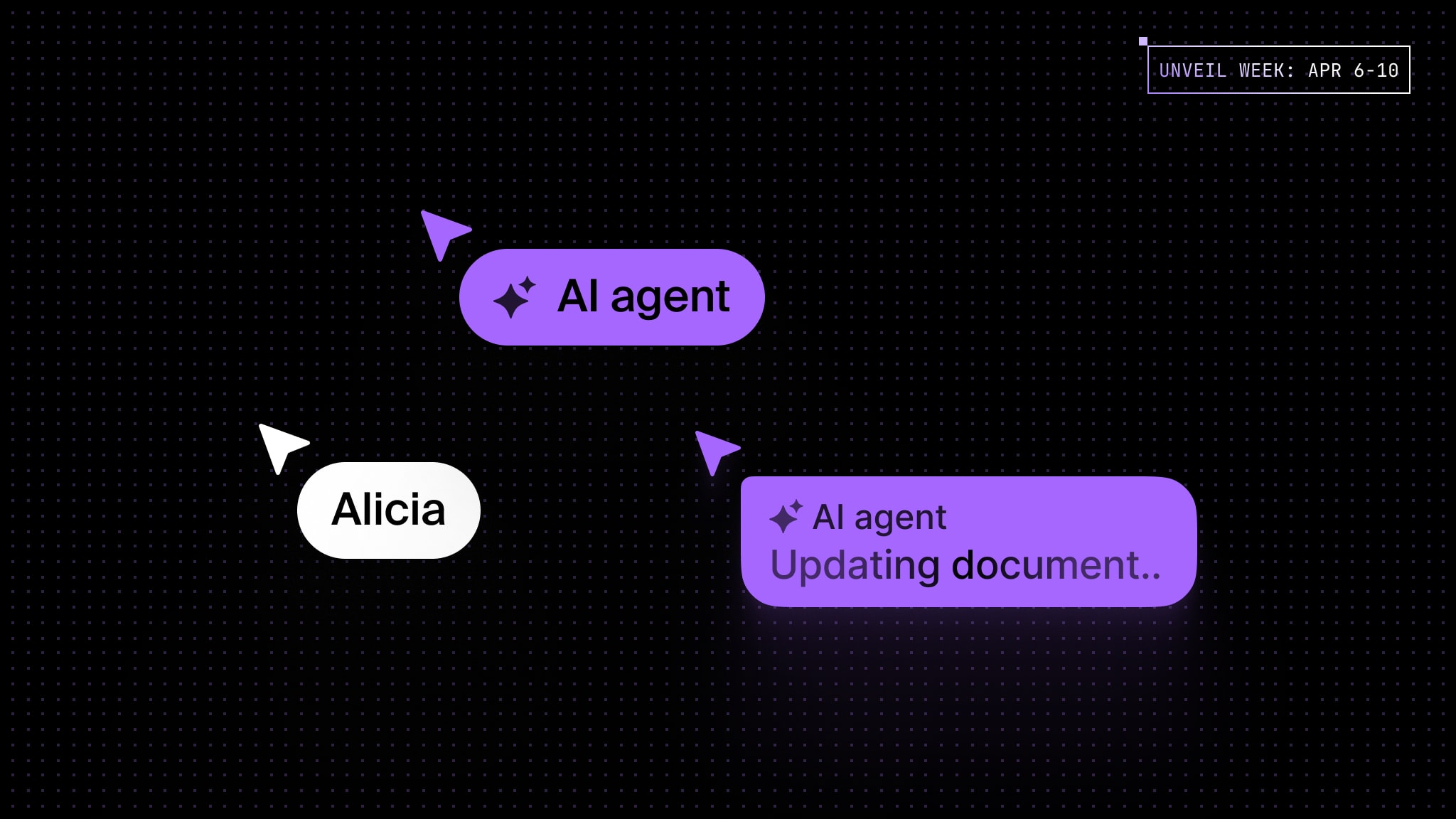
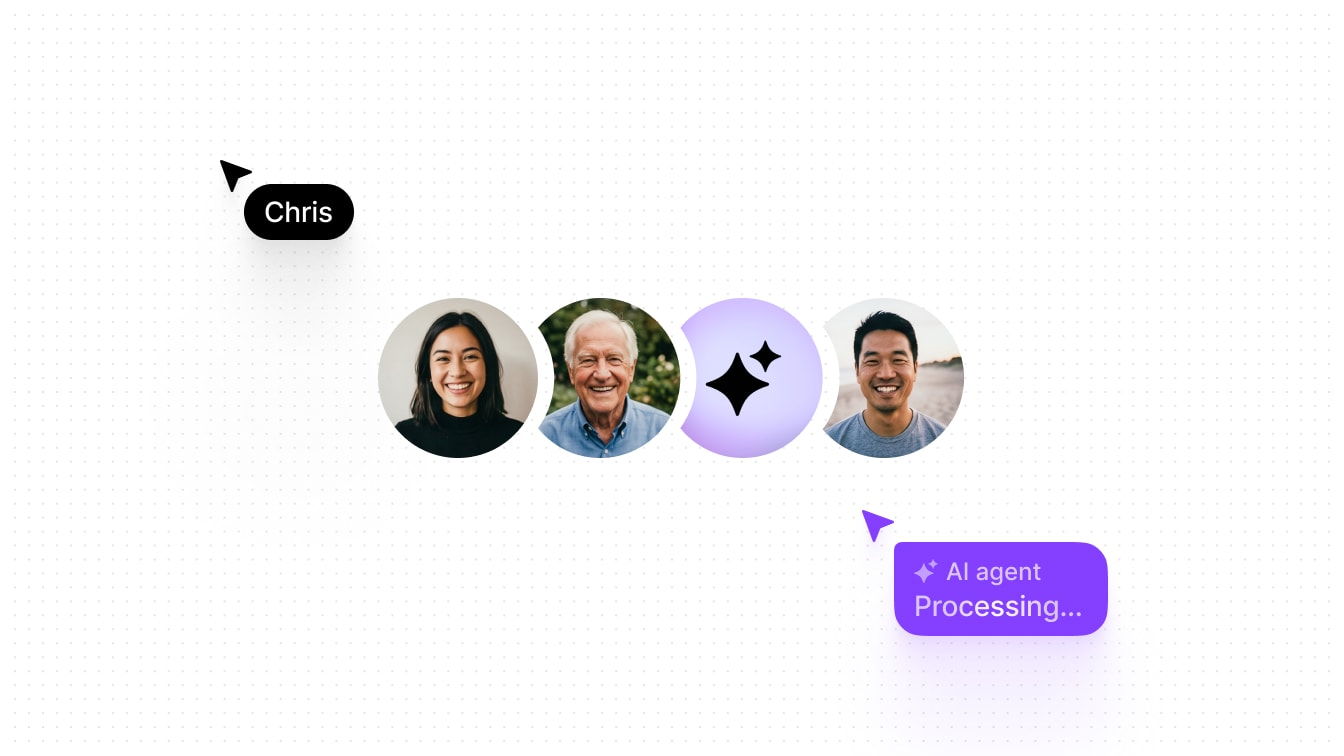
With ephemeral presence, an agent can now appear live in a room with a name, avatar, and custom presence data. That means your product can show what an agent is doing while it works, just like it would for a human collaborator.

An AI agent using software as a native user

To use it, call setPresence and pass your AI’s information and presence data.

await liveblocks.setPresence("my-room-id", {  userId: "agent-123",
userInfo: { name: "AI agent", avatar: "https://example.com/avatar.png", },
data: { // Custom presence data // cursor: { x: 100, y: 200 }, },});

JSON Patch for Liveblocks Storage

We’re also introducing support for JSON Patch in our open-source sync engine, Liveblocks Storage. This is a powerful primitive which lets agents update your realtime data using a simple, structured format.

It works especially well for AI because it is easier and quicker for a model to generate a set of targeted changes than to rewrite an entire object.

const operations = [  {    op: "add",    path: "/score",    value: 42,  },  {    op: "remove",    path: "/oldKey",  },];
fetch(`https://api.liveblocks.io/v2/rooms/${roomId}/storage/json-patch`, { method: "PATCH", headers: { Authorization: `Bearer ${SECRET_KEY}`, "Content-Type": "application/json", }, body: JSON.stringify(operations),});

Learn more in our guide on modifying storage data with JSON Patch.

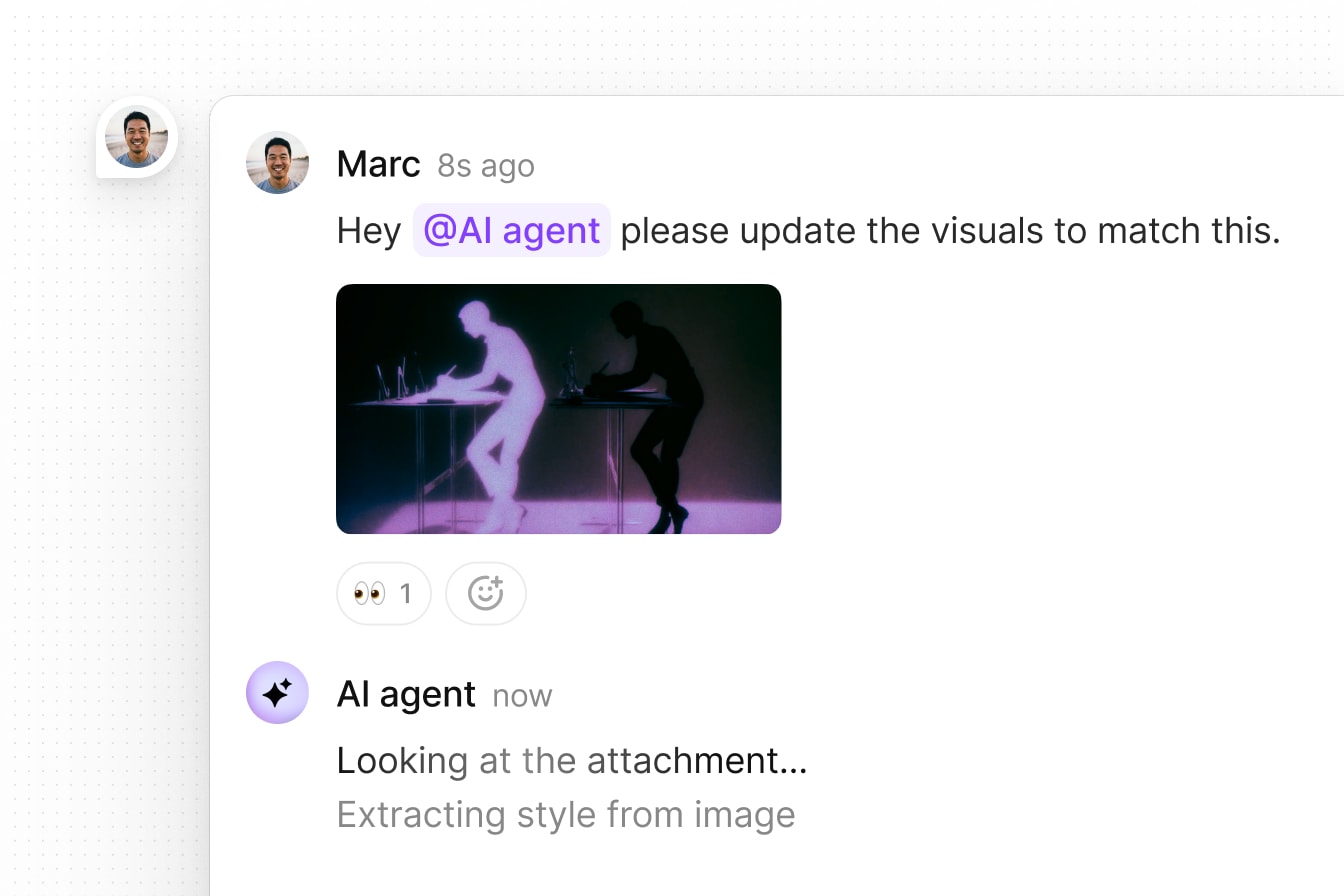
Read comment attachments

Agents can now also read and analyze comment attachments, which opens the door to richer workflows where agents process files, leave contextual feedback, and work directly inside existing collaboration flows.

An AI agent replying to comment with attachment

This is made possible with our new getAttachment method.

const attachment = await liveblocks.getAttachment({  roomId: "my-room-id",  attachmentId: "at_d75sF3...",});

Together, these APIs make it possible for agents to work inside the same collaborative surface as the user. That is the real shift.

New Feeds primitive

We’re also introducing Feeds, a new primitive for storing things like chat messages and agent activity logs.

As agents become more active, products need more than a prompt box. They need a timeline of what happened around the work itself. Feeds gives you a structured place to store things like chat messages, agent logs, and workflow events, all tied to the room where the work is happening.

Realtime updates

Feeds contain lists of messages which update in realtime for all connected users. In this Node.js example, we’re sending a status message to an existing feed with createFeedMessage.

await liveblocks.createFeedMessage({  roomId: "my-room-id",  feedId: "my-feed-id",
data: { status: "Fetching data…", },});

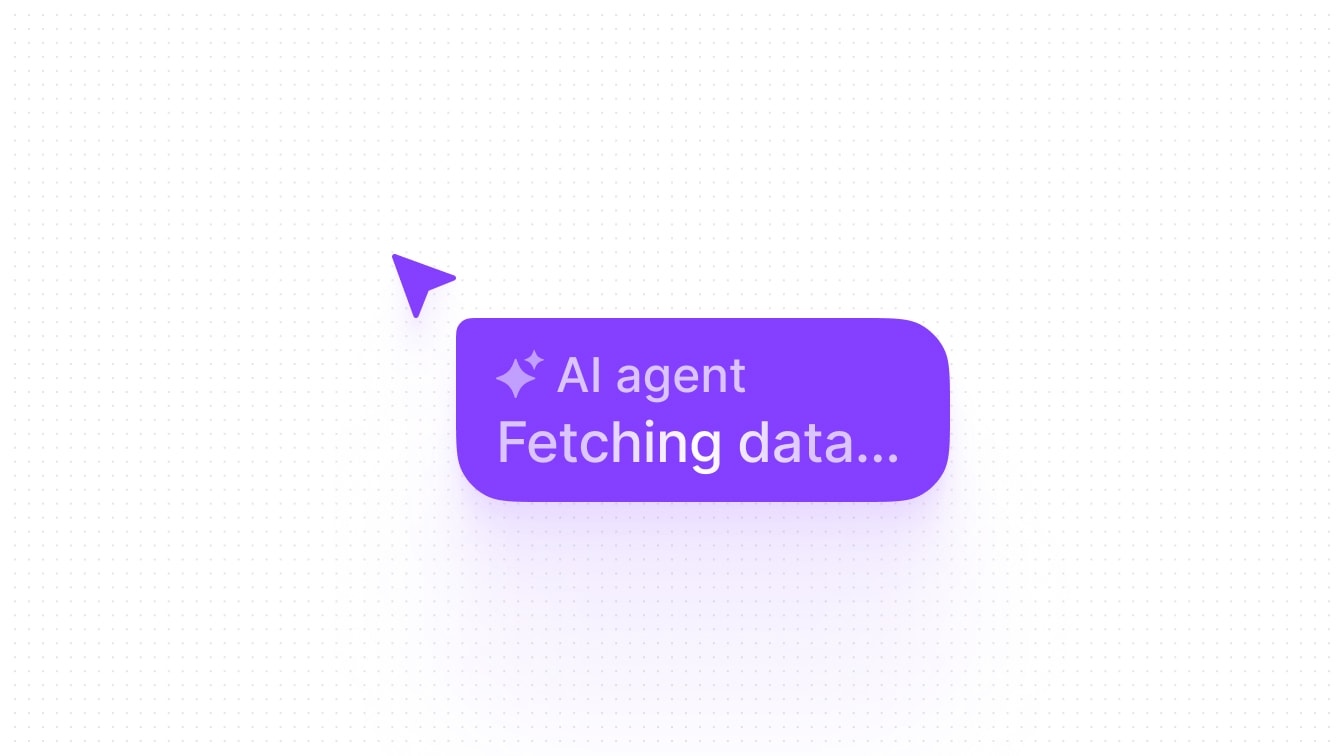
On the front end, we can show this message in our UI as soon as it’s created.

An AI agent cursor showing its status in realtime

This works using the useFeedMessages hook; it returns all messages in the feed, and automatically updates whenever a new message is sent.

import { useFeedMessages } from "@liveblocks/react/suspense";
function AgentStatus() { const { messages } = useFeedMessages("my-feed-id"); const latestMessage = messages[messages.length - 1];
return ( <div> <span>✨ AI Agent</span> {latestMessage.data.status} </div> );}

Once agents start updating state, leaving comments, or triggering workflows in the background, products need a clean way to store and display that activity. That is what Feeds is for.

Comments example

We’ve set up a Feeds example that uses a workflow to analyze your comments and leave a response. Each realtime update you see (e.g. “Thinking…”, “Writing…”) is a new feed message sent from the back end.

Try it out by tagging @AI Assistant in a comment and asking a question.

Loading

Our AI Comments example

Alongside feeds, this example also uses:

  • Comments with new comments customization APIs to insert AI responses.
  • Ephemeral presence to show the agent’s avatar in the stack.
  • Workflow SDK for AI with our comment created webhook as a trigger.

Get started now

To get started with Feeds, follow our new quickstart guide for Next.js.

Get started now

What this unlocks

These building blocks make a new class of workflows possible. A user can @ mention an agent in a comment thread to trigger a workflow. The agent can review the context, update the document, and reply in the same thread. A user can also trigger an agent from outside the product, like in Slack or Microsoft Teams, to start a back end workflow connected to a Liveblocks room.

Agents are becoming native users of software. They need to be able to act as a user would, in context, on shared data, alongside people. We're building the building blocks to make this possible in any product.