AG Grid Comments
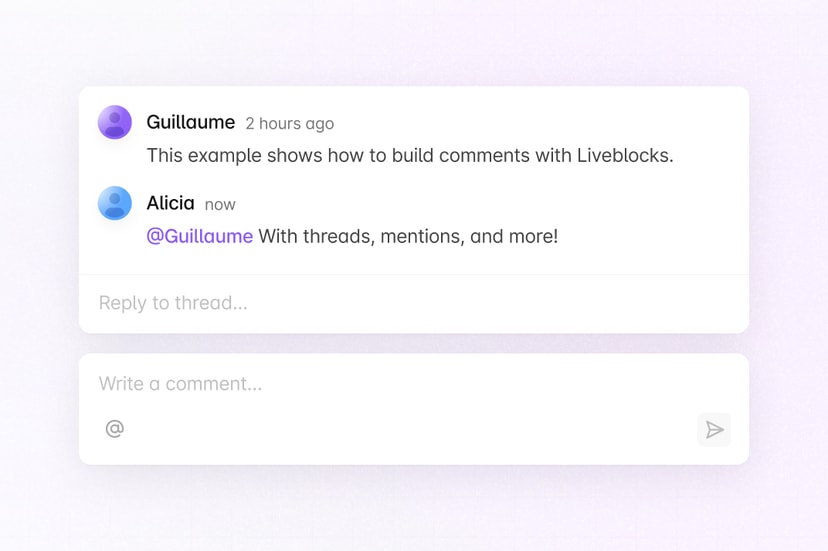
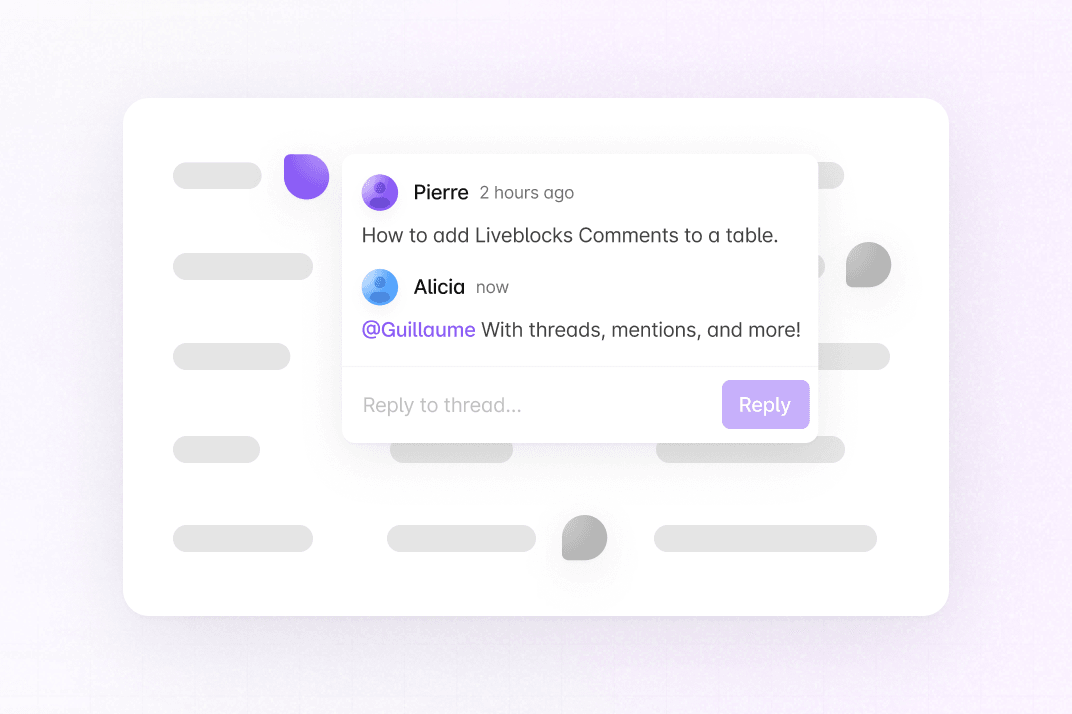
This example shows how to build AG Grid commenting with Liveblocks and Next.js.
Getting started
Run the following command to try this example locally:
This will download the example and ask permission to open your browser, enabling you to automatically get your API key from your liveblocks.io account.
Manual setup
Alternatively, you can set up your project manually:
- Install all dependencies with
npm install - Create an account on liveblocks.io
- Copy your secret key from the dashboard
- Create an
.env.localfile and add your secret key as theLIVEBLOCKS_SECRET_KEYenvironment variable - Run
npm run devand go to http://localhost:3000