Messaging App

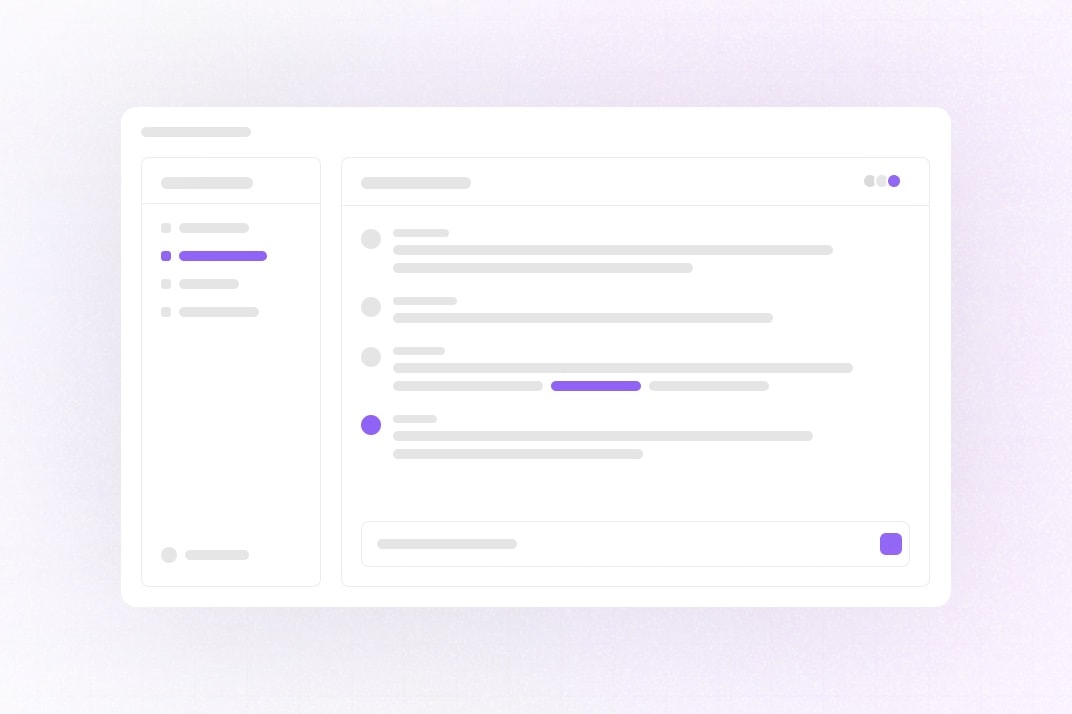
This example shows how to build a Slack-like messaging app with Liveblocks Feeds, Storage, Presence, and Next.js.
Getting started

Run the following command to try this example locally:

$npx create-liveblocks-app@latest --example nextjs-messaging-app --api-key

This will download the example and ask permission to open your browser, enabling you to automatically get your API key from your liveblocks.io account.

Manual setup

Alternatively, you can set up your project manually:

  • Install all dependencies with npm install
  • Create an account on liveblocks.io
  • Copy your secret key from the dashboard
  • Create an .env.local file and add your secret key as the LIVEBLOCKS_SECRET_KEY environment variable
  • Add an AI_GATEWAY_API_KEY from the Vercel AI Gateway so the AI teammate can reply when you mention or DM it
  • Optionally add a BETTER_AUTH_SECRET (openssl rand -base64 32); it is required when deploying
  • Run npm run dev and go to http://localhost:3000

To see realtime sync, open the page in two browsers (or a normal and a private window, since the session is a cookie) and sign in as two different users. Messages, direct messages, typing indicators, and channel edits sync across both.

Running the tests

The code is organised by feature (features/, views/, primitives/, lib/; see AGENTS.md), and each feature folder carries its own tests in tests/:

  • *.test.ts(x) — vitest: pure helpers, API route handlers with @liveblocks/node mocked, and React components rendered against an in-memory mock of @liveblocks/react (tests/helpers/liveblocks-mock.tsx)
  • *.spec.ts — Playwright flows against the real app, backed by the local Liveblocks dev server (multi-user: mentions, DMs, threads, badges, presence)
$npm run check                         # typecheck + eslint + structure + prettier + vitestnpm test                              # vitest onlynpm run dev:local                     # run the app on :3100 against a local Liveblocks dev server, no keysnpx vitest run features/channels      # one featurenpx playwright install chromium       # oncenpm run test:e2e                      # e2e against a local Liveblocks dev servernpm run test:e2e:cloud                # e2e against the keys in .env.local

The e2e suite starts its own next dev on port 3111 (build output in .next-e2e, so it can run alongside your regular dev server). The AI tests in features/ai/tests/ai.spec.ts need the real Liveblocks backend and an AI_GATEWAY_API_KEY in .env.local; they are skipped on the local dev server. Run them with npm run test:e2e:cloud.

Deploy on Vercel

To both deploy on Vercel, and run the example locally, use the following command:

$npx create-liveblocks-app@latest --example nextjs-messaging-app --vercel

This will download the example and ask permission to open your browser, enabling you to deploy to Vercel.

Develop on CodeSandbox

After forking this example on CodeSandbox, create the LIVEBLOCKS_SECRET_KEY, BETTER_AUTH_SECRET and AI_GATEWAY_API_KEY environment variables as secrets.