Messaging App
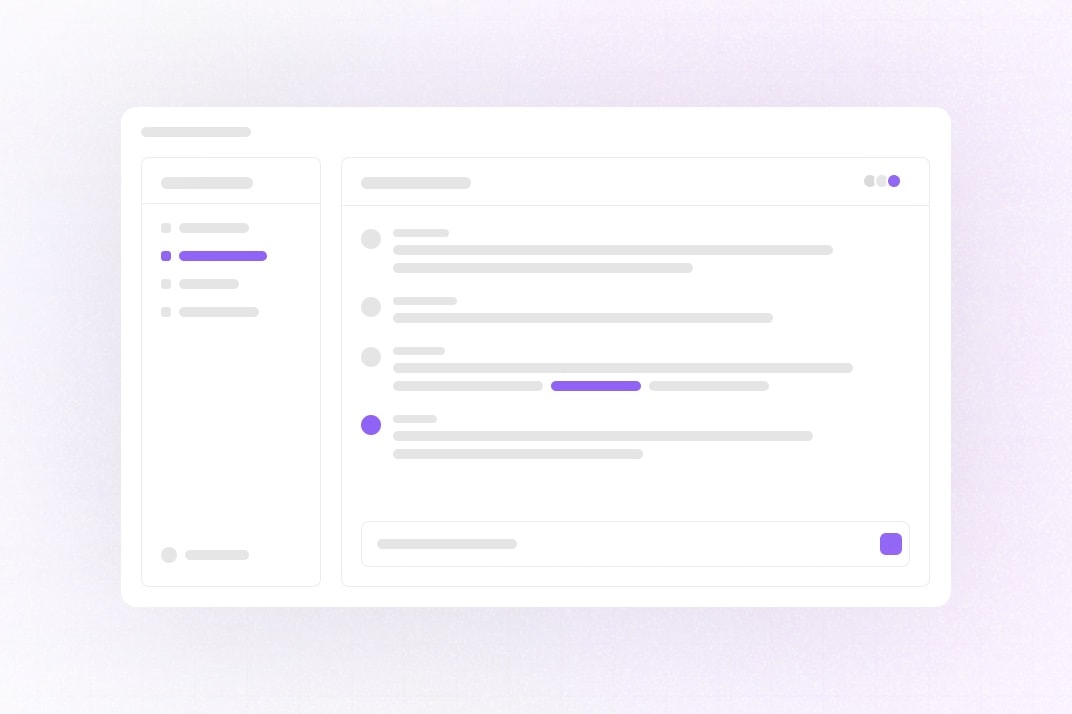
This example shows how to build a Slack-like messaging app with Liveblocks Feeds, Storage, Presence, and Next.js.
Getting started
Run the following command to try this example locally:
This will download the example and ask permission to open your browser, enabling you to automatically get your API key from your liveblocks.io account.
Manual setup
Alternatively, you can set up your project manually:
- Install all dependencies with
npm install - Create an account on liveblocks.io
- Copy your secret key from the dashboard
- Create an
.env.localfile and add your secret key as theLIVEBLOCKS_SECRET_KEYenvironment variable - Add an
AI_GATEWAY_API_KEYfrom the Vercel AI Gateway so the AI teammate can reply when you mention or DM it - Optionally add a
BETTER_AUTH_SECRET(openssl rand -base64 32); it is required when deploying - Run
npm run devand go to http://localhost:3000
Deploy on Vercel
To both deploy on Vercel, and run the example locally, use the following command:
This will download the example and ask permission to open your browser, enabling you to deploy to Vercel.
Develop on CodeSandbox
After forking
this example
on CodeSandbox, create the LIVEBLOCKS_SECRET_KEY, BETTER_AUTH_SECRET and
AI_GATEWAY_API_KEY environment variables as
secrets.