• DocsDocs
  • PricingPricing
Sign in
Get started
Sign in
Get started
    • Realtime Infrastructure
      • Presence
        Presence

        Online users, cursors, selections

      • Broadcast
        Broadcast

        Temporary event signals

      • Storage
        Storage

        Synced conflict-free data

      • Feeds
        FeedsBeta

        Messages and activity logs

      • Threads
        Threads

        Contextual conversations

    • Collaboration features
      • Multiplayer
        Multiplayer

        Realtime collaboration

      • Comments
        Comments

        Contextual commenting

      • Notifications
        Notifications

        Smart alerts for your app

      • AI Copilots
        AI Copilots

        Individual AI assistants

    • Tools
      • Examples

        Gallery of open source examples

      • Showcase

        Gallery of collaborative experiences

      • Next.js Starter Kit

        Kickstart your Next.js collaborative app

      • DevTools

        Browser extension

      • Tutorial

        Step-by-step interactive tutorial

      • Guides

        How-to guides and tutorial

      • Figma UI Kit

        Liveblocks Collaboration Kit

    • Company
      • Blog

        The latest from Liveblocks

      • Customers

        The teams Liveblocks empowers

      • Changelog

        Weekly product updates

      • Security

        Our approach to security

      • About

        The story and team behind Liveblocks

  • Docs
  • Pricing
  • Realtime Infrastructure
    • Presence
    • Broadcast
    • Storage
    • FeedsBeta
    • Threads
    Collaborative features
    • Multiplayer
    • Comments
    • Notifications
    • AI Copilots
    Solutions
    • People platforms
    • Sales tools
    • Startups
    Use cases
    • Multiplayer forms
    • Multiplayer text editor
    • Multiplayer creative tools
    • Multiplayer whiteboard
    • Comments
    • Sharing and permissions
    • Document browsing
  • Resources
    • Documentation
    • Examples
    • Showcase
    • DevTools
    • React components
    • Next.js Starter Kit
    • Tutorial
    • Guides
    • Release notes
    Technologies
    • Next.js
    • React
    • JavaScript
    • Redux
    • Zustand
    • Yjs
    • Tiptap
    • BlockNote
    • Slate
    • Lexical
    • Quill
    • Monaco
    • CodeMirror
  • Company
    • Pricing
    • Blog
    • Customers
    • Changelog
    • About
    • Contact us
    • Careers
    • Terms of service
    • Privacy policy
    • DPA
    • Security
    • Trust center
    • Subprocessors
  • HomepageSystem status
    • Github
    • Discord
    • X
    • LinkedIn
    • YouTube
    © 2026 Liveblocks Inc.
Blog/Updates

Agent skills for Liveblocks

We've created agent skills for Liveblocks and Yjs, enabling AI coding assistants to follow best practices more consistently.

on April 10th
Agent skills for Liveblocks
April 10th·2 min read
Share article
Product updatesOpen sourceAI

Ready to get started?

Join thousands of companies using Liveblocks to build multiplayer experiences for people and agents.

Get started for free

Related blog posts

  • Python SDK for Liveblocks

    Python SDK for Liveblocks

    Picture of Chris Nicholas
    April 9th
    Updates
  • Chat SDK adapter for Liveblocks

    Chat SDK adapter for Liveblocks

    Picture of Chris Nicholas
    April 8th
    Updates
  • Multiplayer SDK for React Flow: Realtime collaboration between humans and agents

    Multiplayer SDK for React Flow: Realtime collaboration between humans and agents

    Picture of Chris Nicholas
    April 7th
    Updates

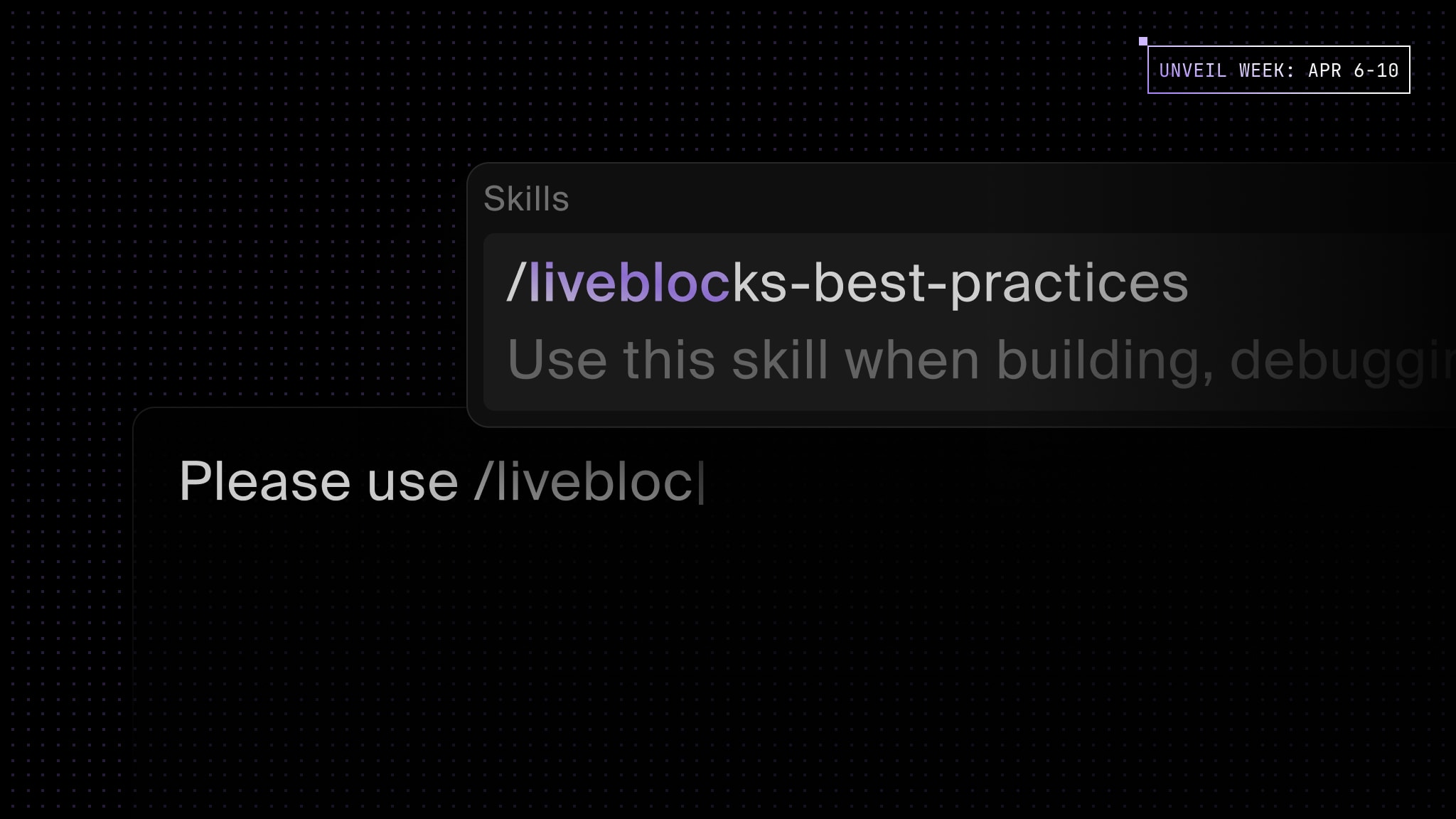
Today, we're launching two agent skills for Liveblocks and Yjs, enabling AI coding assistants to follow best practices more consistently.

Terminal
$npx skills add liveblocks/skills

Agent skills

Agent Skills are folders of instructions, scripts, and resources that agents can use to generate more accurate responses—they often consist of short markdown files filled with domain-specific knowledge.

We’ve created two different agent skills for Liveblocks and Yjs, designed to help AI coding assistants follow best practices more consistently. Once installed, skills are automatically triggered by agents when they feel they’re relevant.

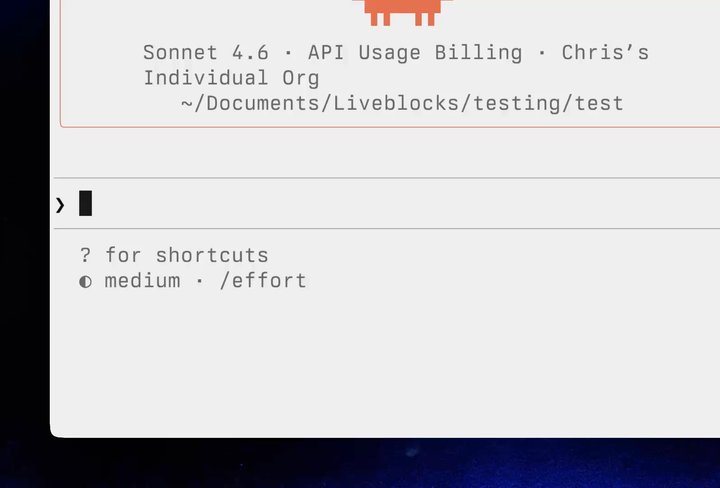
Your browser does not support the video tag.Agent skills in Claude Code

Claude Code using the liveblocks-best-practices skill

Above you can see an agent loading a skill and recommending the perfect answer to the question. The agent’s response is significantly more concise and precise with the skill installed. Learn more in our agent skills documentation.

Liveblocks best practices

The liveblocks-best-practices skill is comprehensive, featuring 40+ reference files related to every part of Liveblocks. Each reference details how to solve a difficult or obscure problem, for example:

  • How do I handle Wi-Fi connections dropping?
  • How do I add a custom avatar component into <Thread />?
  • How do I solve a z-index issue with dropdowns in Comments?

Yjs best practices

The yjs-best-practices skill is based on our Yjs best practices and tips guide, and details how to avoid common pitfalls when working with Yjs, such as:

  • How to get better performance with V2 encoding.
  • When to use subdocuments, and better alternatives to using them.
  • Why Y.Map is inefficient for key-value data and how to solve it.

Install

Install our new skills into Cursor, Claude Code, and more, with the skills.sh CLI.

Terminal
$npx skills add liveblocks/skills

Contributors

Contributors include:ctnicholas

1 authors