In collaborative applications, such as canvases and text editors, users often
need to share files as part of their work. The simplest example is inserting an
image into a whiteboard, which everyone in the room should see immediately.
Another example is pasting media or files into a collaborative text editor.
Previously, Liveblocks Storage could only store JSON-like data, and you
could not upload files—but today we’re introducing a new way to upload and share
files as part of your Storage document.
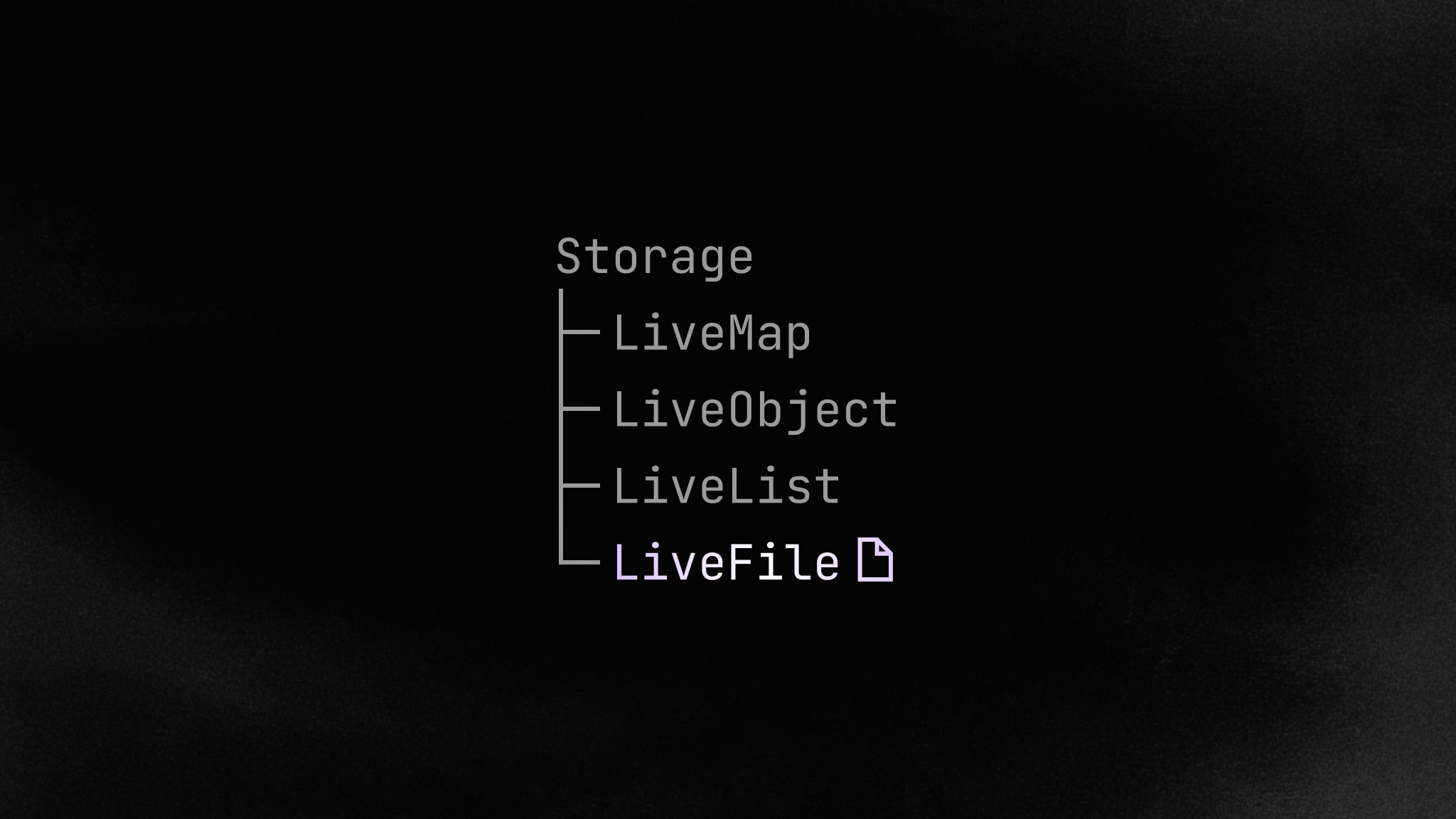
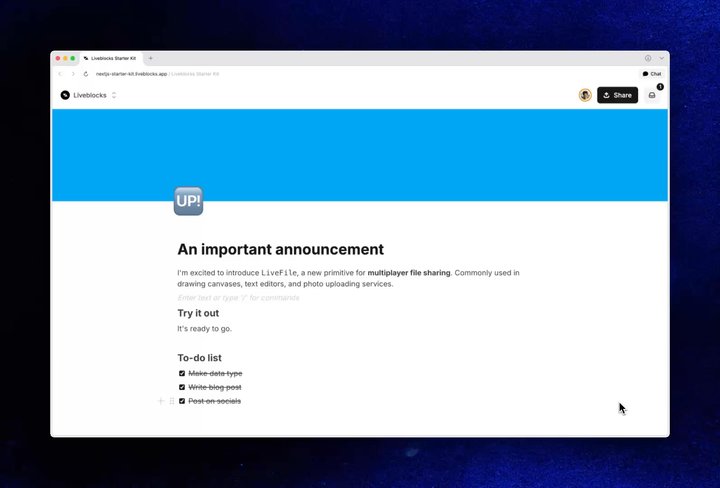
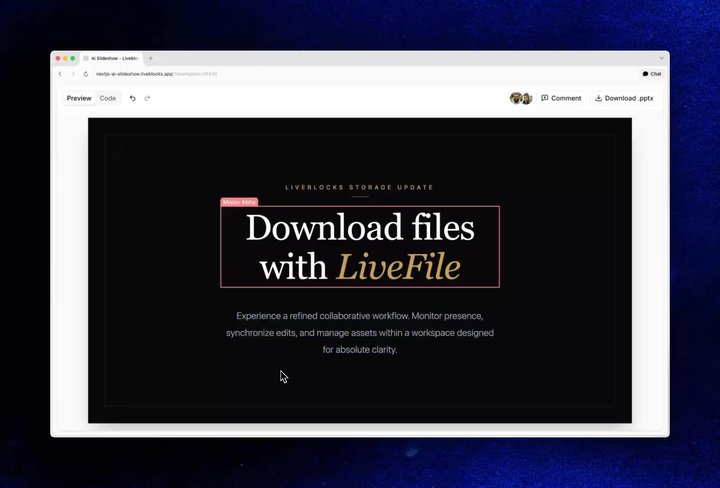
LiveFile is a new Storage data type that allows you to upload and share
files as part of your Storage document. This means you no longer need to upload
files to a third-party service to share them with other users in your room.
Plus, when you update files, other users in the room will see the changes live.
LiveFile supports any file type, not only images. Documents, .zip
archives, presentations, and more can be inserted into your app and made
available with a download button.
To access the file URL in your application, first read the LiveFile from
Storage with useStorage,
then get its URL with
useFileUrl. In the example
above, the file is stored under the "myFile" property.
This is particularly useful in combination with agentic workflows that perform
background processing on files. An example is using
AI SDK to generate images, which will be shared with
connected users in your application.
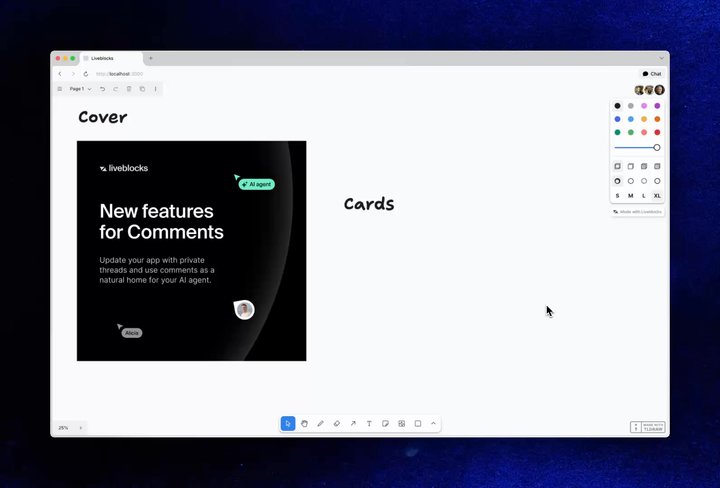
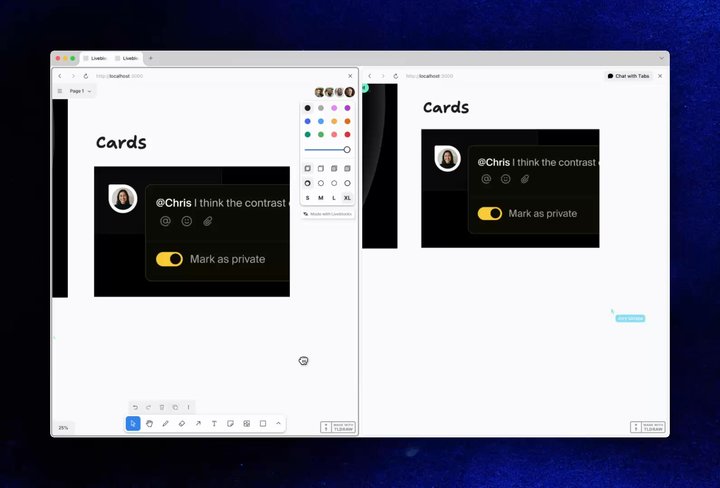
We’ve updated our Tldraw-powered collaborative
whiteboard to use LiveFile for uploads, enabling media sharing without a
third-party service. There’s a live demo below—try uploading an image or video
to the canvas.
If you’d like to copy this whiteboard into your application, download the
Tldraw Whiteboard
repository from our example gallery.