Linear-like Issue Tracker (Advanced)
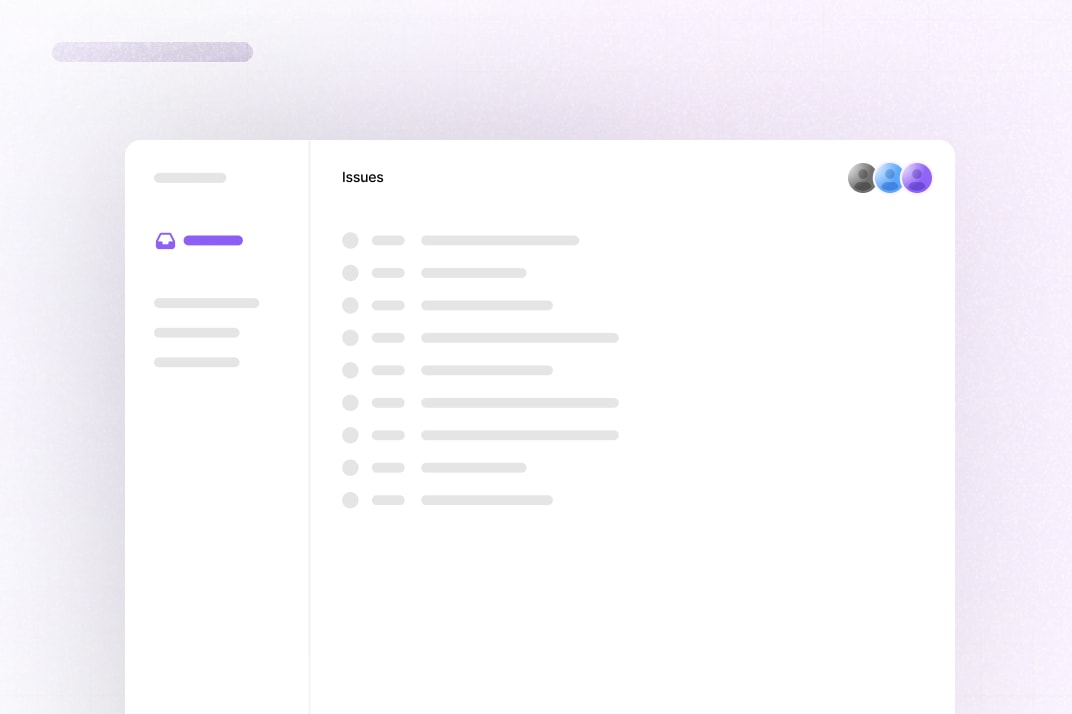
This example shows how to build a collaborative issue tracker using Liveblocks, and Next.js.
You can optionally enable an AI assistant that you can mention it comments and will stream in replies. The assistant can create new issues, and edit the current issue, showing AI presence as it works.
Getting started
Run the following command to try this example locally:
This will download the example and ask permission to open your browser, enabling you to automatically get your API key from your liveblocks.io account.
Setting up webhooks
You need to set up webhooks to use all features in this example.
- Follow our guide on testing webhooks locally, making sure to check the “commentCreated” and “storageUpdated” events when creating the webhook
- In the webhooks dashboard, point to the
/api/liveblocks-webhookpath - Copy your webhook secret key from the webhooks dashboard
- Add your webhook secret key to
.env.localas theLIVEBLOCKS_WEBHOOK_SECRET_KEYenvironment variable
Setting up Anthropic
You need your own Anthropic API key to run the AI agent.
- Create an account on Anthropic
- Create a new API key from the Anthropic Dashboard
- Add your Anthropic API key to
.env.localas theANTHROPIC_API_KEYenvironment variable
Manual setup
Alternatively, you can set up your project manually:
- Install all dependencies with
npm install - Create an account on liveblocks.io
- Copy your secret key from the dashboard
- Create an
.env.localfile and add your secret key as theLIVEBLOCKS_SECRET_KEYenvironment variable - Run
npm run devand go to http://localhost:3000
Dev server setup
You can optionally run this example locally using the Liveblocks dev server.
- Install the example as detailed above
- Run
npx liveblocks devto start the server - Add
baseUrl: "http://localhost:1153"option toLiveblocksProviderandnew Liveblocks - Replace
secretinnew Liveblockswith"sk_localdev" - Run
npm run devand go to http://localhost:3000
Deploy on Vercel
To both deploy on Vercel, and run the example locally, use the following command:
This will download the example and ask permission to open your browser, enabling you to deploy to Vercel.
Develop on CodeSandbox
After forking
this example
on CodeSandbox, create the LIVEBLOCKS_SECRET_KEY environment variable as a
secret.